Select a controller

The Select command is to pick that controller to become active for (design) operations on the controller itself. The selected controller will be displayed with the Active Item Selection color.
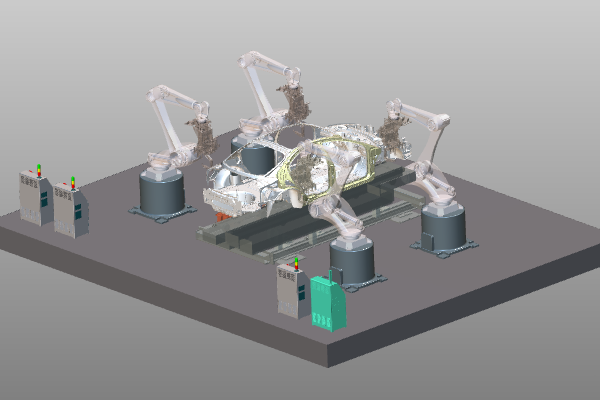 | 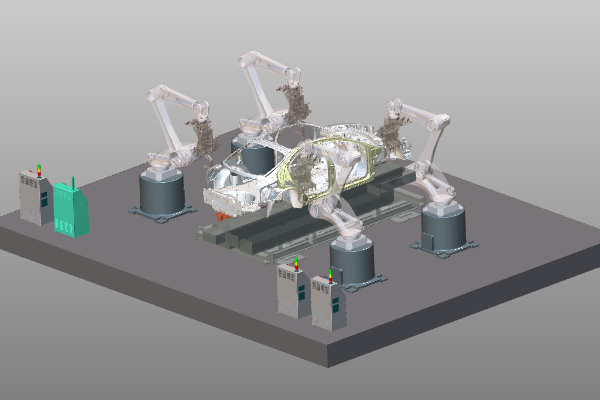 |
When changing to the Controller Builder workbench, this command is executed automatically and a controller will be preselected.
Was this page helpful?