Adjust the display tessellation

The Adjust tessellation command can be used to enhance the display quality of geometrical bodies.
This command only has visible effect when the geometry has been imported with the Exact settings.
The command opens a small window with the current tessellation tolerance value of the selected body.
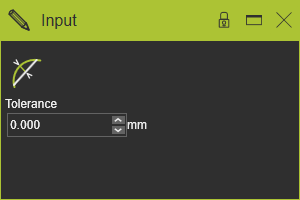
The value can be edited from 0.001mm up to 9.999mm. After changing a recomputation automatically is executed.
The tessellation value represents a maximum allowed deviation between the display mesh triangles and the real geometry. Thus the lower the value, the better the tessellated shapes matches the real geometry description of the body. But at the same time it effects that the better this display quality, the more graphic performance is required from the hardware.
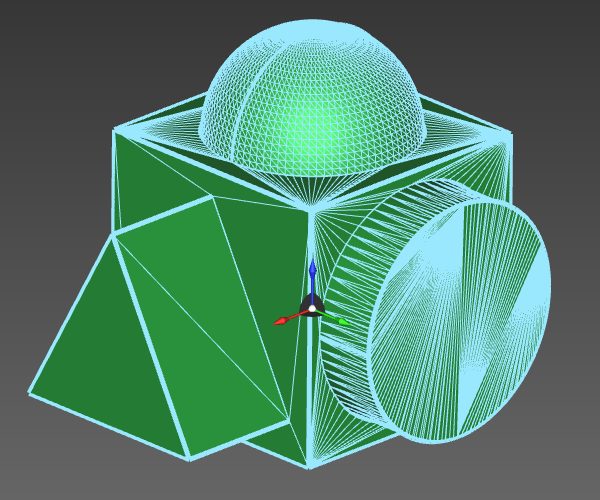 | 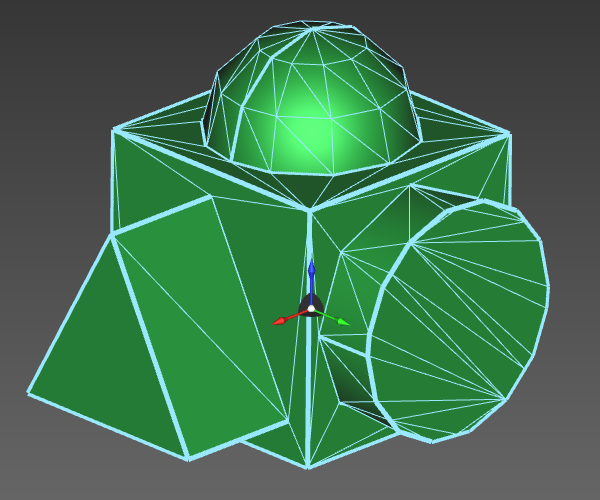 | |
| 0.001 mm | 9.999 mm |