Balancing & sequencing

With the Balancing & sequencing command the programmed operations and operation groups can be re-ordered. It enables to distribute the operations over the different controllers in the project for optimal load balancing and sequence.
Executing the command opens a dashboard, like in the example below.
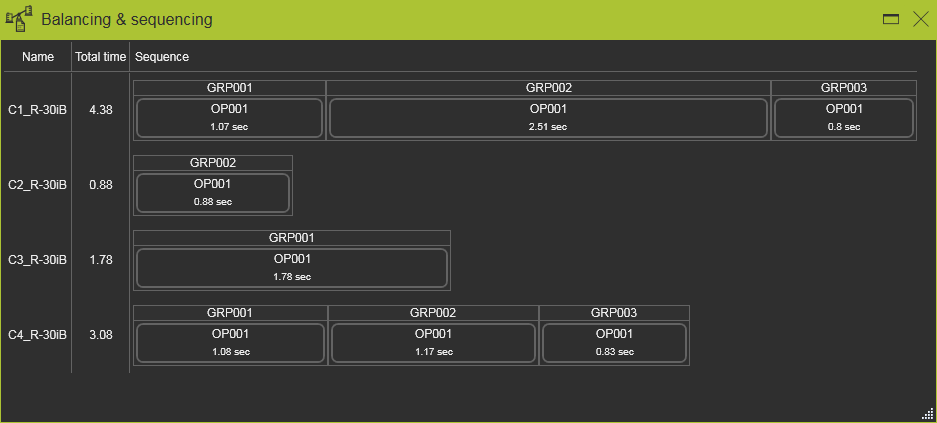
It gives an overview of the controllers in the project, their active program and the estimated processing time. The individual operation groups and operations are displayed in blocks in the sequence of how they are processed. Hovering over a group or operation will cross highlight with the 3D representation.
In this dashboard the operations now can be re-ordered within their controller or can be moved to another controller, without the need to set this controller active before. The group or operation can be picked and simply dragged to their desired new location. The new location will be highlighted. Releasing it then will update the programs of the affected controllers.
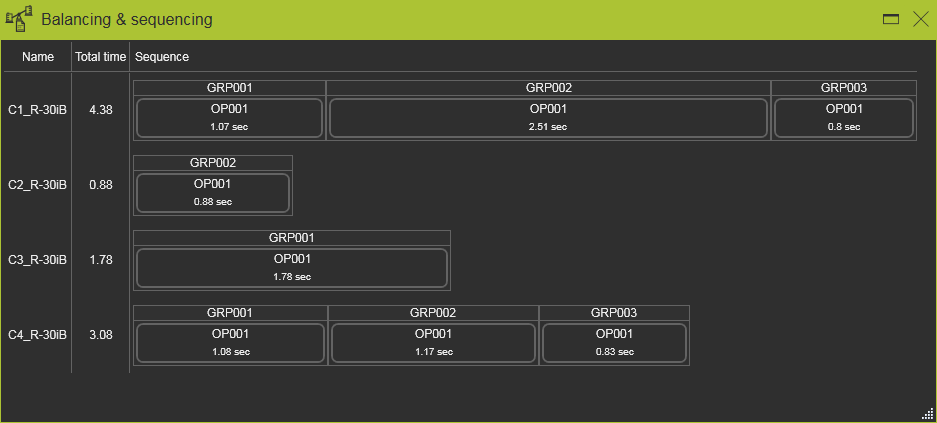 | 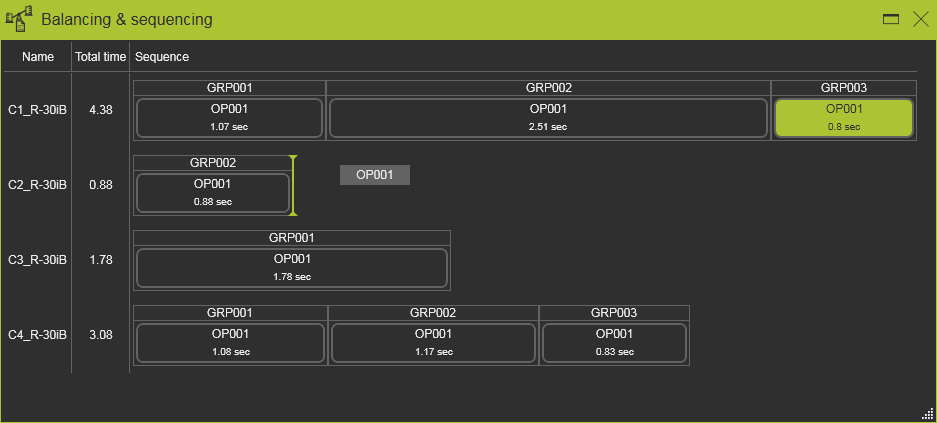 | 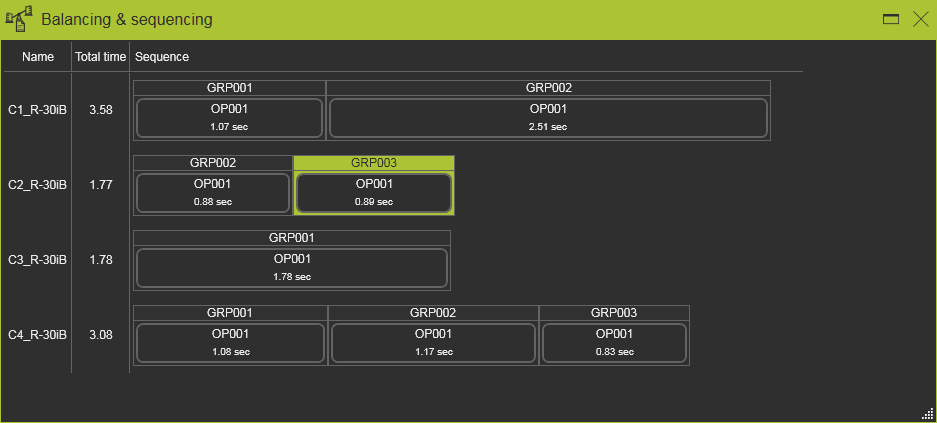 |