Simulation trace path

&

With the Trace motion path option the complete path of the program is visualized during the motion simulation, like in the example below.
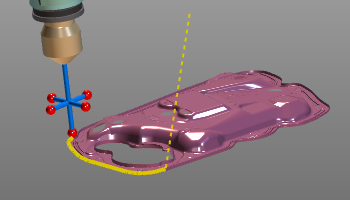
There are two modes in which the trace motion path can be computed.
| Reference base | The path is computed using the base frame of the program as reference. This can be convenient when the base frame itself has a dynamic position. |
| Reference global | The path is computed using the layout global coordinate system as reference. |
The user can switch between these two modes by picking the Trace button with the left mouse button and dragging the mouse up while pressed. It will then show the other trace button above the active one. Releasing the mouse button there will change the mode.
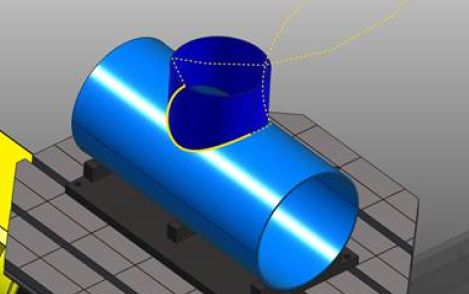
In each tool an actor for the in-process or the off-process is included automatically. A true signal on the actor results in a solid, continuous trace path display, a false signal on the actor results in a dashed path display.
Was this page helpful?