Create / edit the corner relief

With the Create / edit the corner relief command a local corner relief can be created or edited.
The command opens a panel with the relief parameters. The exact content varies a little, depending on if the corner has a convex or concave shape.
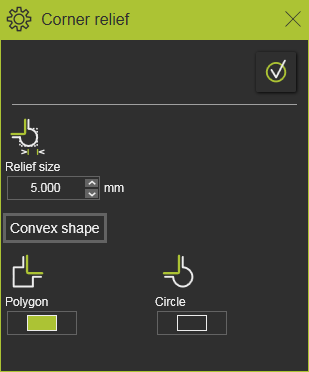
Convex corner
| Attribute | Description | Remark | |
|---|---|---|---|
| Relief size |  | The dimension of the relief. | The dimension refers to the width of the rectangular polygon or to the diameter of the circular relief. |
| Polygon |  | Switch the create the relief as rectangular polygon shape. | |
| Circle |  | Switch the create the relief as circular shape. |
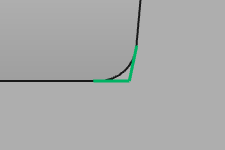 | 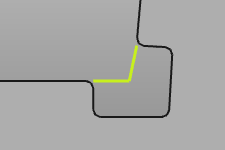 | 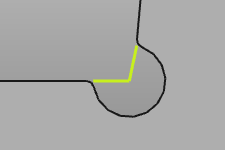 |
Concave corner
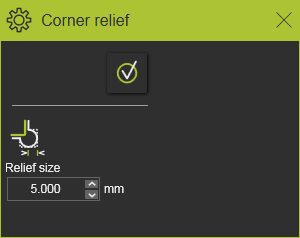
| Attribute | Description | Remark | |
|---|---|---|---|
| Relief size | | The dimension of the relief. | The dimension refers to the width of a chamfer shaped relief. |
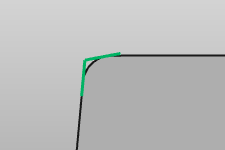 | 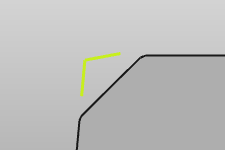 |

With the Execution button the relief will be created or modified
Keep in mind that changed made to the support plate, for example a relocation of the plate, may reset the corners and thus will remove any defined corner relief.
Was this page helpful?