Collision analysis

When the Collision analysis option is set all groups that have a check definition will be analyzed during a motion picture simulation. That means that with each step of a simulation there will be a check for interference between the geometrical contents of the groups. And if such interference is detected the system responses immediately accordingly. For example the colliding elements of the groups are colored with their corresponding group color, like in the example below.
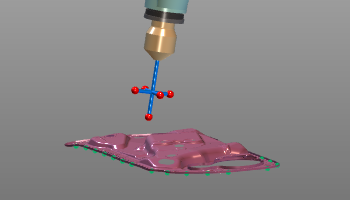 | 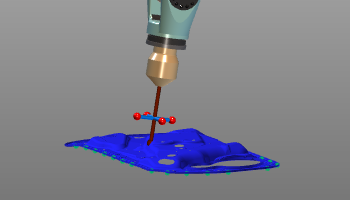 |
In the Settings of the Simulation player the options are set of how a detected collision responds.

Do not forget to switch the Operation mode to any other mode than Collision groups. Otherwise the groups will be colored permanently according their definition.
More information about collision

Was this page helpful?