Géométrie de processus basée sur des points

Commandement
Avec la commande Point, ce type de géométrie de processus peut être créé et modifié.
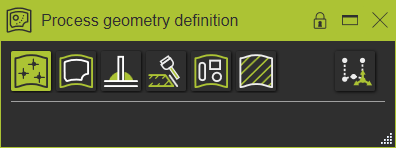
Créer
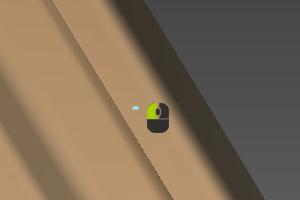
Une fois la commande lancée, il suffit de sélectionner le(s) point(s) existant(s) dans la Vue 3D ou un sommet (sommets) sur la pièce. Sans aucune interaction supplémentaire, la géométrie du processus (PG) est générée instantanément.
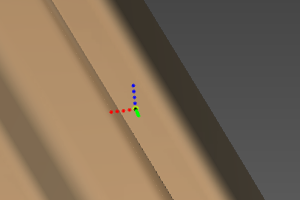
La géométrie du procédé basée sur des points est affichée et peut être reconnue par un cadre pointillé, qui a la même orientation que l’origine de la pièce. L’axe bleu représente la direction normale, l’axe rouge la direction tangente.
| Choisissez | Résultat |
|---|---|
 |  |
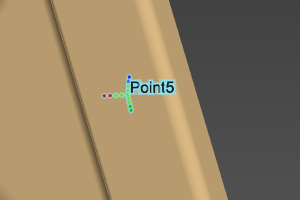
Lorsqu’on survole la géométrie du procédé, son nom s’affiche.
Édit
L’objet géométrique du processus existant peut toujours être modifié, mais seulement si la commande correspondante a été lancé.
En survolant l’objet PG, le menu Edit Pie peut être appelé



Un PG de points modifié affiche non seulement ses axes, mais aussi son orientation d’origine, comme dans l’exemple ci-dessous.

