Toolpath optimization

With the Path optimization command some algorithms can be applied to improve a specific parameter of the toolpath.
At the selected toolpath element the markers appear of all algorithms that can be applied from there, as the example below shows.
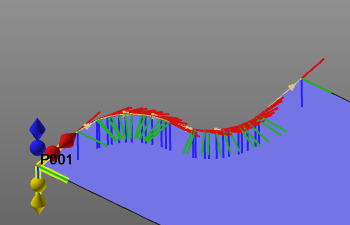
The required marker needs to be picked. To complete the selection and to calculate the optimization (i.e. interpolation), the interval to where to optimize has to be closed by selecting a second toolpath element. The calculation is executed automatically and the result is displayed.
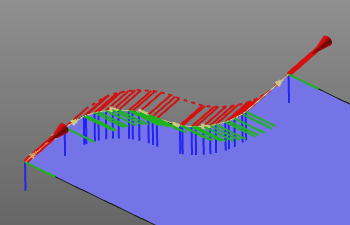
By multi-selecting the interpolation markers, it is possible to create multiple interpolations over the range at the same time.
Instead of starting the command immediately, its sub menu can be called to select a specific interpolation command.