Modifier la stratégie de recherche par courbes de niveau

La commande Set the contour search mode définit quelle stratégie sera appliquée au moteur de recherche. Il ouvre un sous-niveau Pie menu pour sélectionner le mode requis.

 Retour de niveau
 Bords extérieurs de surface
 Arêtes internes de surface
 Distance la plus courte
 Straight
 | Recherche la piste la plus courte au-dessus des limites extérieures des surfaces de référence. | 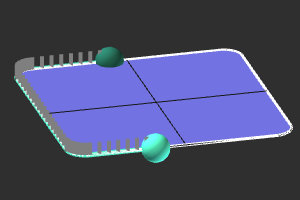 |
| Recherche la piste la plus courte sur les bords intérieurs des surfaces de référence. | 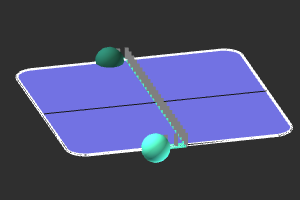 |
 | Recherche la distance la plus courte entre les points de contrôle, sur les surfaces de référence. | 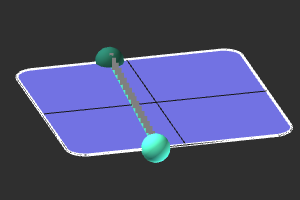 |
Was this page helpful?