Créez une feuille de nid à plaques

Lorsque la commande Create est lancée, le système active automatiquement le Manipulateur dans la vue 3D. Le Manipulateur pilote désormais la conception imbriquée.
Le plan UV du Manipulateur est le plan de référence pour les feuilles d’imbriquement, avec le centre comme point d’angle de départ. L’axe U du Manipulateur est la référence pour l’orientation de la plaque imbriquée.
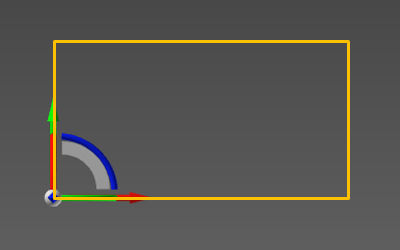
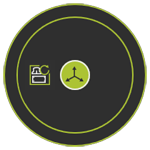
Lorsque le Manipulateur est positionné en conséquence, le menu en tarte peut être appelé depuis le centre.


Lorsque la commande Create est lancée, la disposition de nesting sera générée.
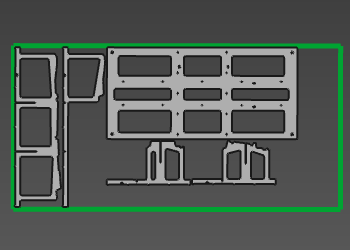
Le nesting est un objet et document classique, une fois sauvegardé.

Was this page helpful?