Mode collision

Le mode Collision groups est le mode permettant de définir les groupes et le contenu pour l’analyse des collisions lors de l’exécution d’une simulation cinématique (interactive).
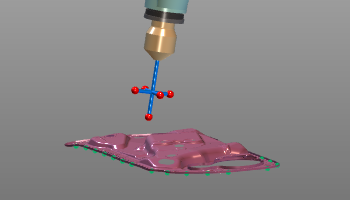 | 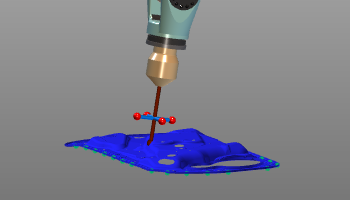 |
Avant de pouvoir effectuer une analyse de collision, il faut définir quels objets géométriques sont vérifiés les uns par rapport aux autres. La géométrie est ajoutée aux groupes de collision.
Lors du choix d’un ou plusieurs objets géométriques, un menu en secteur dédié peut être appelé pour définir ces groupes de collision.
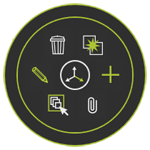


Lorsque tous les groupes sont destinés à être analysés les uns contre les autres, le menu en secteur peut s’ouvrir dans la vue 3D


Dans les paramètres de simulation, l’analyse des collisions peut être définie plus en détail.
Plus d’informations de référence sur les collisions

Was this page helpful?