Objets d’affichage
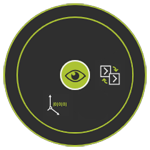
Le menu en pie avec des interrupteurs pour activer ou désactiver l’affichage des groupes d’objets.
 Retour de niveau
 Show /hide the auxiliary geometry
 Afficher / masquer les systèmes d’axe
 | Ça active ou éteint l’affichage de toute la géométrie auxiliaire. |
 | Ça active ou désactive l’affichage du système d’axes. |
L’affichage s’allume lorsque la couleur d’arrière-plan de l’icône est mise en surbrillance (couleur verte par défaut). Il est désactivé lorsque la couleur de surlignage d’arrière-plan est désactivée.
Les interrupteurs d’affichage ne déplacent pas les objets entre les espaces de travail Afficher et Masquer. Ils cachent ou montrent complètement les objets en réalité, peu importe l’espace de travail.
Was this page helpful?