Construire le comportement de simulation

Avec cette commande, le comportement de simulation de la ressource peut être construit. Ce comportement inclut des éléments comme les capteurs et la gestion des flux de matériaux.
Capteurs
Pour définir un capteur, le Manipulateur doit être positionné à l’endroit où le capteur va être défini. Ensuite, le menu en pie peut être appelé à l’axe du manipulateur qui représente l’axe principal (de détection) du capteur.
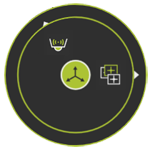


Un capteur peut être modifié en appelant le menu en pie sur l’objet capteur



Écoulement des matières
La position de début et de fin du flux de matériau, c’est-à-dire l’apparence (source) et le retrait (puits d’eau) de l’objet matériau, peuvent être définies à l’aide du manipulateur. À l’emplacement recherché, le menu en tarte peut être appelé au centre du Manipulateur.
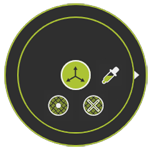


Une source et un objet puits peuvent être modifiés en appelant le menu Pie sur l’objet.