Modifier le dispositif de la plaque

Edit et update
Il existe plusieurs façons de modifier la conception du luminaire. Cela peut se faire directement sur la géométrie 3D ou avec les paramètres du tableau de bord des propriétés des luminaires. La principale différence est que dans l’espace 3D, les plaques peuvent être modifiées individuellement, alors que dans le tableau de bord des propriétés, la modification saisie s’applique à toutes les plaques, à l’ensemble du luminaire.
Les modifications effectuées en 3D sur la plaque de base ou sur une plaque de support nécessitent généralement une mise à jour, un recalcul du luminaire. Un paramètre est disponible permettant de déterminer si ce recalcul est effectué automatiquement ou manuellement par l’utilisateur.
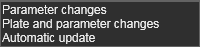
La principale différence est qu’une mise à jour automatique est effectuée après chaque modification, tandis qu’avec la mise à jour manuelle, plusieurs modifications peuvent être effectuées et collectées avant le recalcul du luminaire.
Dans le coin supérieur gauche de l’espace 3D, un grand bouton de commande s’affiche. Le bouton connaît deux états différents :
| Aucun recalcul n’est requis | Recalcul requis |
|---|---|
 |  |
Après avoir modifié quoi que ce soit sur le luminaire nécessitant une mise à jour manuelle, ce bouton colore en orange pour indiquer. Appuyer dessus exécutera le recalcul.
montage
La hauteur et l’orientation du luminaire sont contrôlées par le manipulateur. Ainsi ; Repositionnant pour modifier la taille globale du luminaire.
Avec le menu en forme de camembert au centre du manipulateur, d’autres changements globaux peuvent être effectués.



Avec le menu en forme de secteur sur les axes X ou Y du manipulateur, davantage de changements globaux peuvent être effectués.



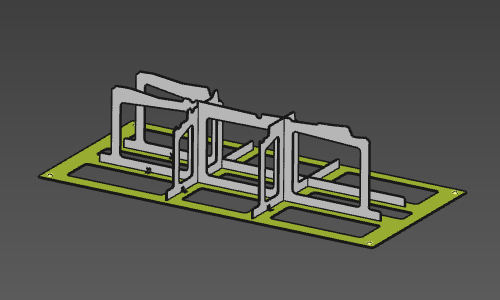
Base plate
Les modifications spécifiques à la plaque de base peuvent être lancées après avoir appelé le menu en forme de tarte en survolant la plaque de base.



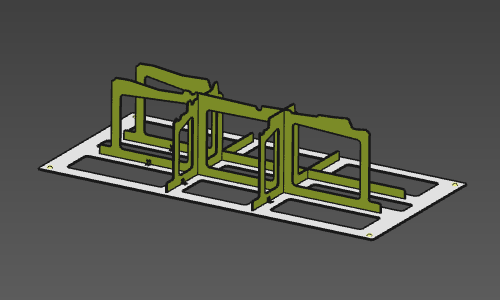
Support plate
Des modifications spécifiques à la plaque de support peuvent être lancées après avoir appelé le menu en forme de secteur en survolant une plaque de soutien.



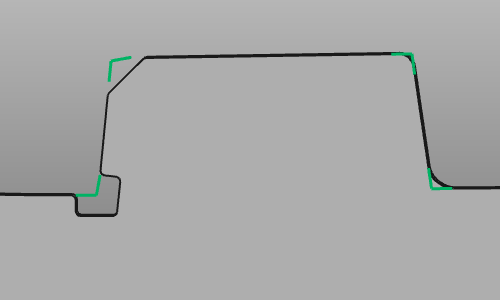
Aux coins de la plaque de support, la détection (activée dans les propriétés du luminaire) marque les coins qui peuvent être soulagés.
Survolez le marqueur pour créer un relevé à ce coin.



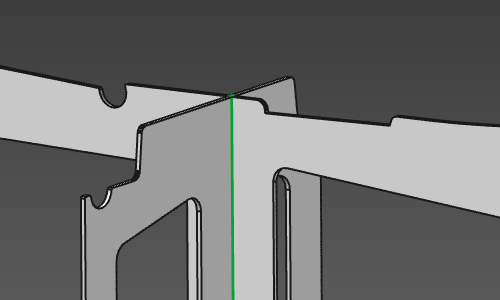
Survolez le fil de croisement de deux plaques de support pour modifier le type de croisement ou ses dimensions.



Holes et engraving
Pour la base et la plaque de support, plusieurs fonctions d’édition courantes sont disponibles.
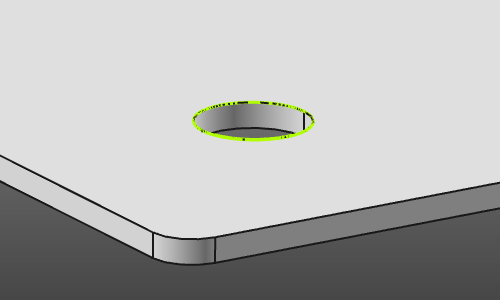
Survolez un croquis de trou pour modifier le trou.

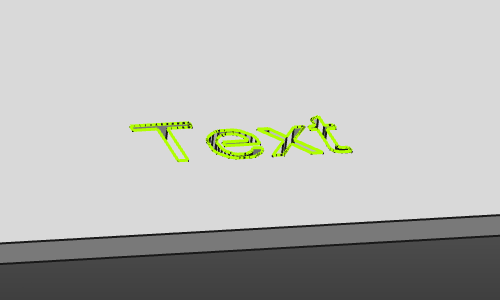
Et survolez un texte gravé pour le modifier.

Tower
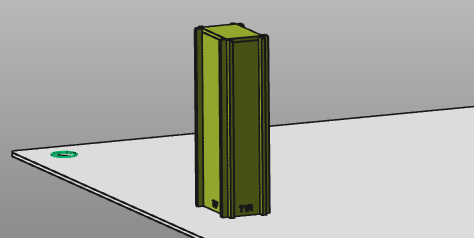
Survoler une tour permet de la modifier.


Utilities
Les services publics constituent un ensemble de fonctions pour soutenir la conception du luminaire. Elle comprend :

