Déplacement du trajet d’outil

Commandement
Avec la transformation Move, le trajet d’outil sera déplacé.
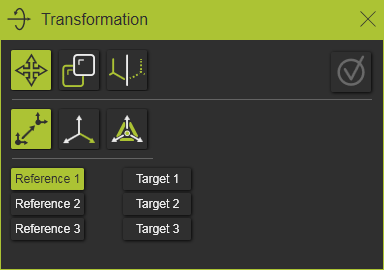
Il n’existe qu’une seule méthode pour définir l’opération de déplacement.
Point à point
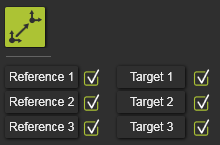
La méthode fonctionne en trois paires : choisir une référence et un point cible pour définir la matrice de transformation.
En commençant par le premier point de référence dans le panneau, le point 3D correspondant doit être sélectionné, après quoi la position correspondante de la cible doit être sélectionnée. Chaque position de référence ou cible sélectionnée est présentée par une petite sphère. Dans le panneau lui-même, une marque de confirmation est affichée.
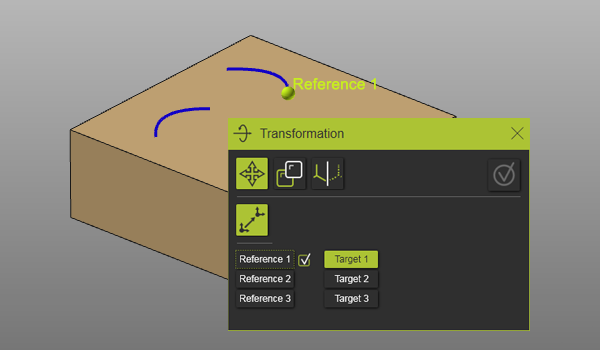
Chaque paire de position de référence et de cible étend la matrice de transformation.
| 1. paire | Définit la translation (vecteur) entre la position de référence et la position cible. | 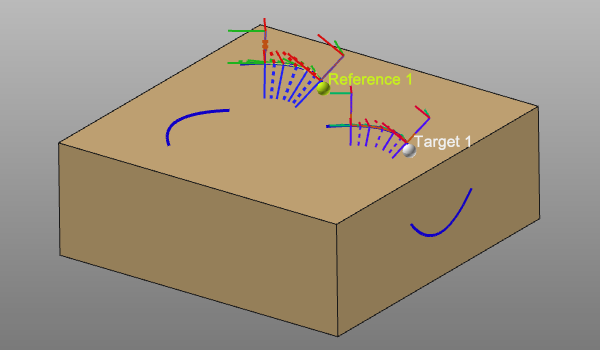 |
| 2. paire | Définit la rotation à la position de départ cible. L’angle est mesuré entre les vecteurs générés entre le point 2 et le point 1. | 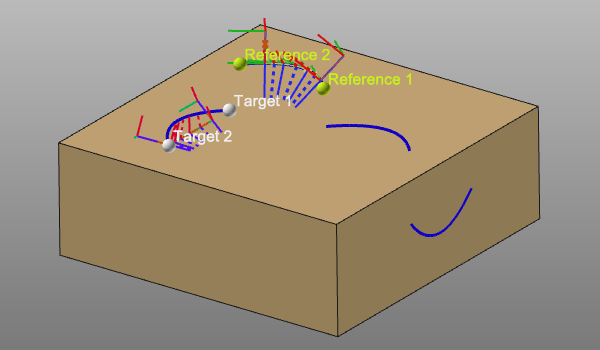 |
| 3. Pair | Définit une transformation d’un axe à un axe. Avec les points 1 et 2, le point 3 génère un système temporaire et local à la position de référence et cible. | 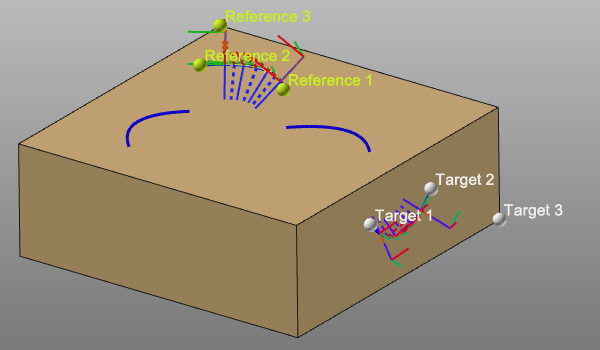 |
Un point de référence ou un point cible peut être modifié en choisissant son objet de contrôle dans le panneau. Le point sélectionné est supprimé automatiquement, la marque de confirmation disparaît et un nouveau point peut être sélectionné pour compléter à nouveau la définition.
Image à trame
La méthode fonctionne en définissant la matrice de transformation, une combinaison de translation et de rotation, entre deux référentiels sélectionnés. Les trames et les systèmes d’axes peuvent être sélectionnés ici. De plus, le nombre de duplications doit être fixé. Ensuite, enfin, la duplication peut être effectuée.
Dans la boîte de contrôle de la référence et de la cible, le nom de la trame sélectionnée apparaît. Cette référence ou cible peut être modifiée en choisissant à nouveau la commande et en sélectionnant un autre système de trame ou d’axe.
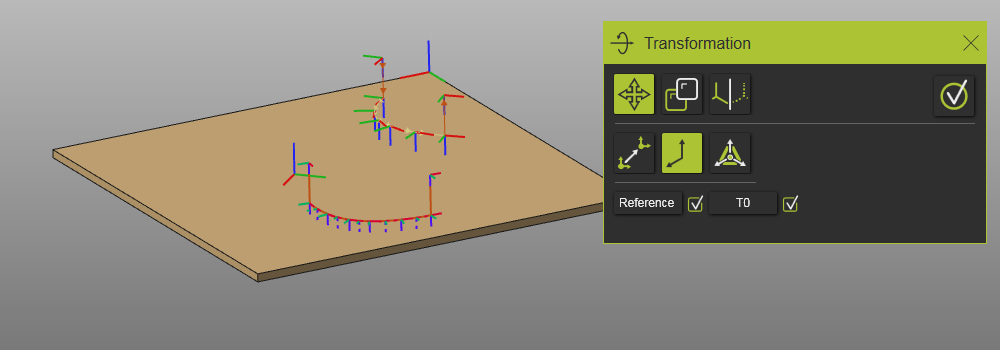
Position du manipulateur
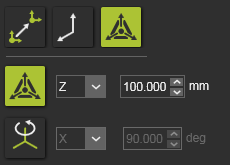
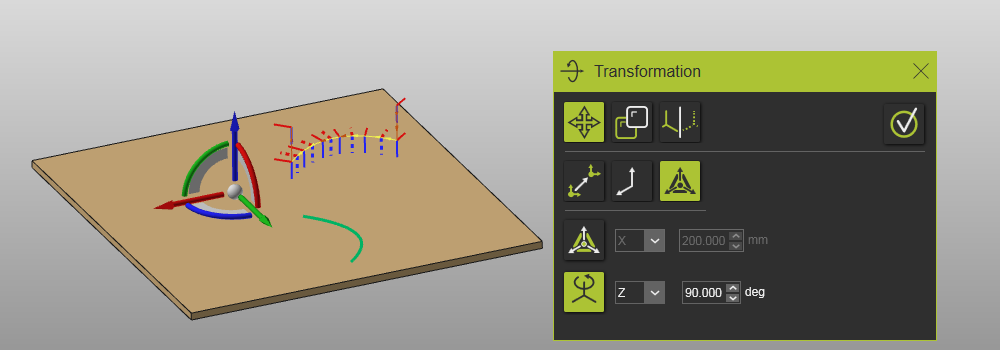
La méthode utilise le manipulateur comme référence pour définir la matrice de transformation. Le manipulateur lui-même peut être positionné avec les paramètres de coordonnées et de rotation. Ensuite, la transformation est définie. Il prend en charge une translation ou une rotation qui peut être choisie en appuyant sur l’icône correspondante dans le panneau.

La translation est définie par :
 | Direction de traduction La direction de référence (manipulatrice) peut être choisie dans la liste déroulante. La translation peut être définie dans deux directions. |
 | Valeur : La distance de translation. |
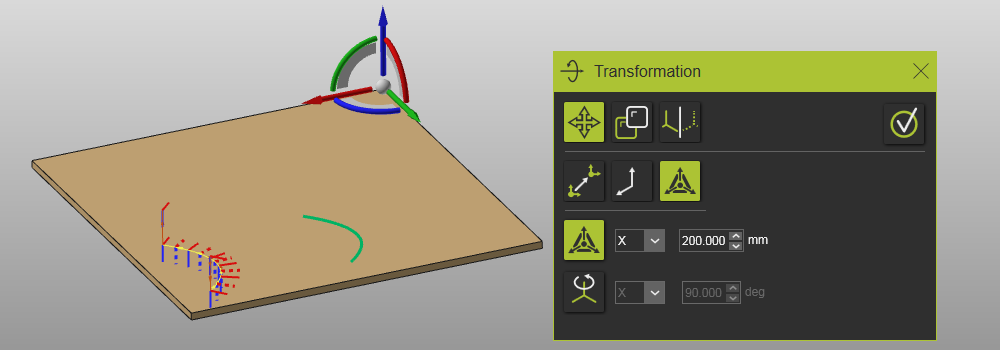

La rotation est définie par :
| Axe de rotation L’axe de référence (manipulateur) peut être choisi dans la liste déroulante. |
 | Valeur : L’angle de rotation. |