Reliez les points de contact et de processus

Reliez les points de contact et de processus
L’étalonnage par détection tactile inclut la possibilité de définir comment les positions tactiles sont reliées au trajet de soudure.
| Attribut | Description | Remarque | |
|---|---|---|---|
 | Type de connexion | Attribuer les positions tactiles au parcours d’outil de soudage. | Possibilities: 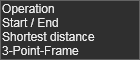 |
Habituellement, ce type de connexion est défini dans les paramètres de programmation par défaut, avant de programmer réellement les opérations. Grâce à cette commande auxiliaire, la connexion entre les points de contact d’étalonnage et les opérations de soudure peut être établie ou modifiée par la suite.
Lorsque la commande est lancée, une fenêtre apparaît :
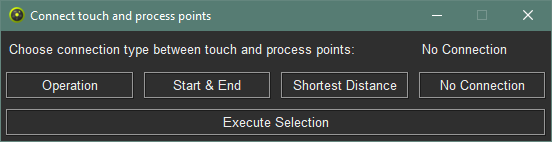
Dans la ligne supérieure, le type de connexion sélectionné est écrit. Ensuite, dans la deuxième ligne, le type de connexion recherché peut être défini en cliquant sur le bouton correspondant. Le caractère est ensuite affiché en haut.
Pour créer la connexion, il faut appuyer sur le bouton Execute selection. La fenêtre se referme alors automatiquement.
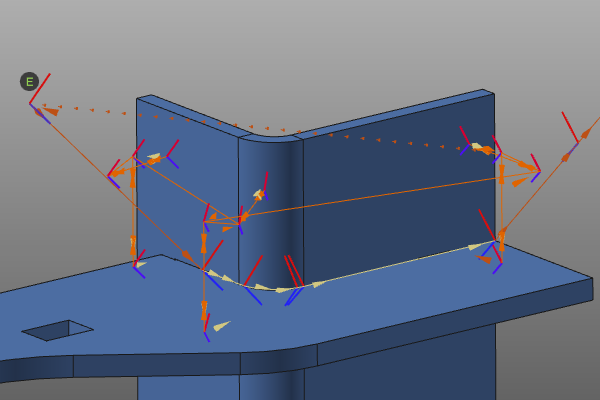
Selon le type de connexion choisi, des événements sont placés aux points du processus du parcours de l’outil.
Plus d’informations
