Basculez l’affichage de la géométrie du procédé

La commande Display process geometry est un commutateur de visualisation pour afficher ou masquer la géométrie du processus.
Appuyer sur le bouton de commande permet de passer du mode affichage ou du mode masquage de la géométrie du processus.
| Affichage | Cache-toi |
|---|---|
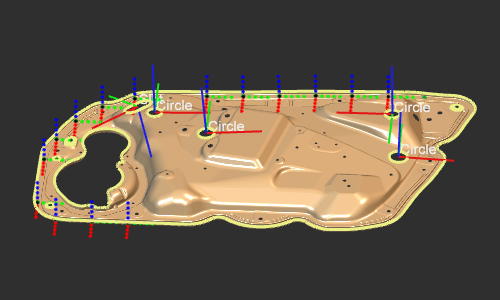 | 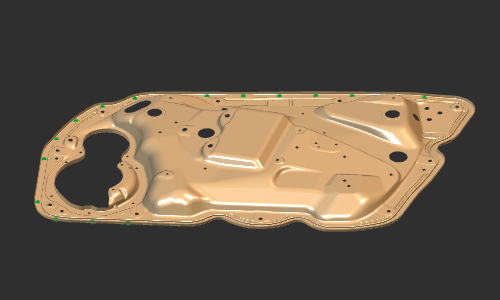 |
En appelant le menu en pie de sous-niveau, on peut définir quelle géométrie de processus sera affichée. La géométrie de procédé basée sur des points, sur des courbes et sur la surface peut être activée individuellement : c’est-à-dire que lorsqu’elle est désactivée ici, la géométrie du procédé ne sera pas du tout affichée, même lorsque l’interrupteur principal est réglé sur affichage.

 Retour de niveau
 Activer l’affichage de la surface PG
 Activer l’affichage du volume PG
 Activer l’affichage du point PG
 Activer l’affichage de la courbe PG
Was this page helpful?