3D Clipping
3D Clipping is the option to cut the 3D geometry at a main plane of the Manipulator and have only one side of that geometry visualized. This enables to even look inside a complex structure for details that from a standard camera view point are hidden for the user.

On the Pie menu of the Manipulator the Clipping command appears

The Swap all clipping planes command creates a cutting box from the three main planes of the Manipulator. The box will cut the geometry in the 3D View. The other (negative) side remains shown.
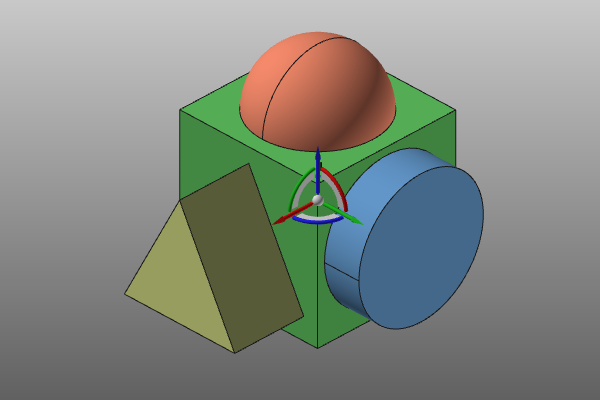 | ||||
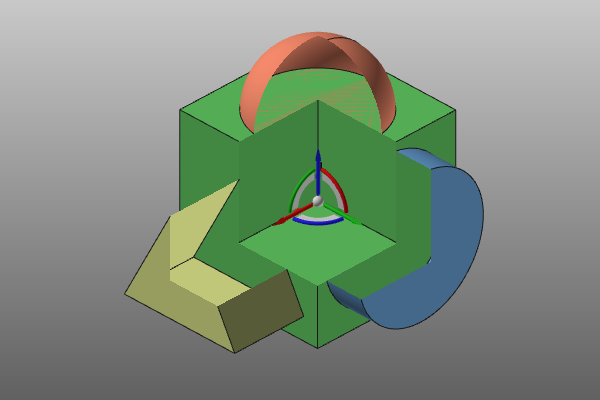 | 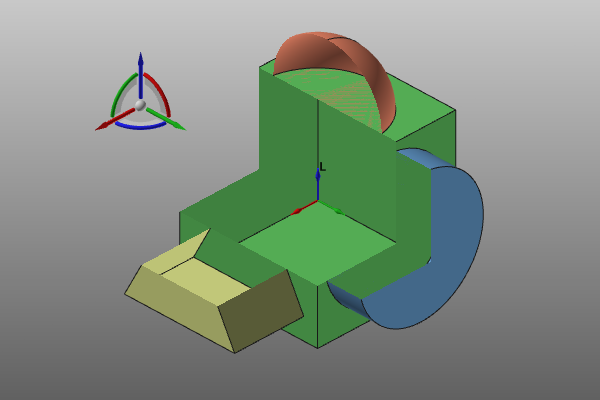 | 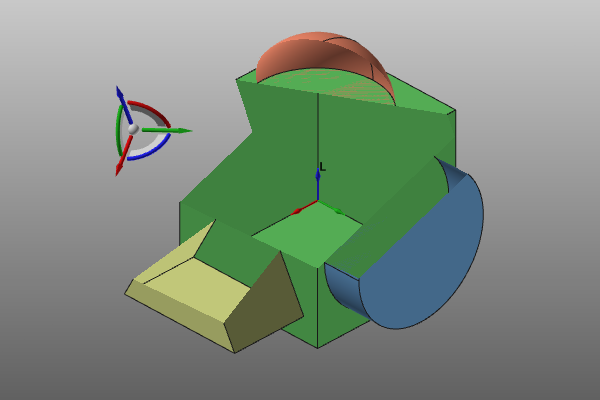 |
The clipping is linked to the Manipulator. That implies that while moving the Manipulator when the clipping is active, the cutting result on the geometry dynamically changes.
Applying the command for a second time will de-activate the clipping planes and results in a normal 3D view of the geometry.