The Show and Hide workspace

The workspaces typically are used while working on the 3D geometry. For convenience it might be very useful when parts of the geometry (temporarily) can be hidden. That means that nothing else than these geometrical objects are being moved from one workspace to the other. The objects themselves are not effected at all, it is just a visual operation. Because only one workspace can be displayed at the same time, the user can switch between them.
In most of the (main level) Pie menus there is a Toggle Show/Hide button that will switch between these two workspaces. To graphically indicate the difference between the Show and Hide workspace, the Hide workspace is given a light gray, semi-transparent cover over the 3D View.
 |  | |
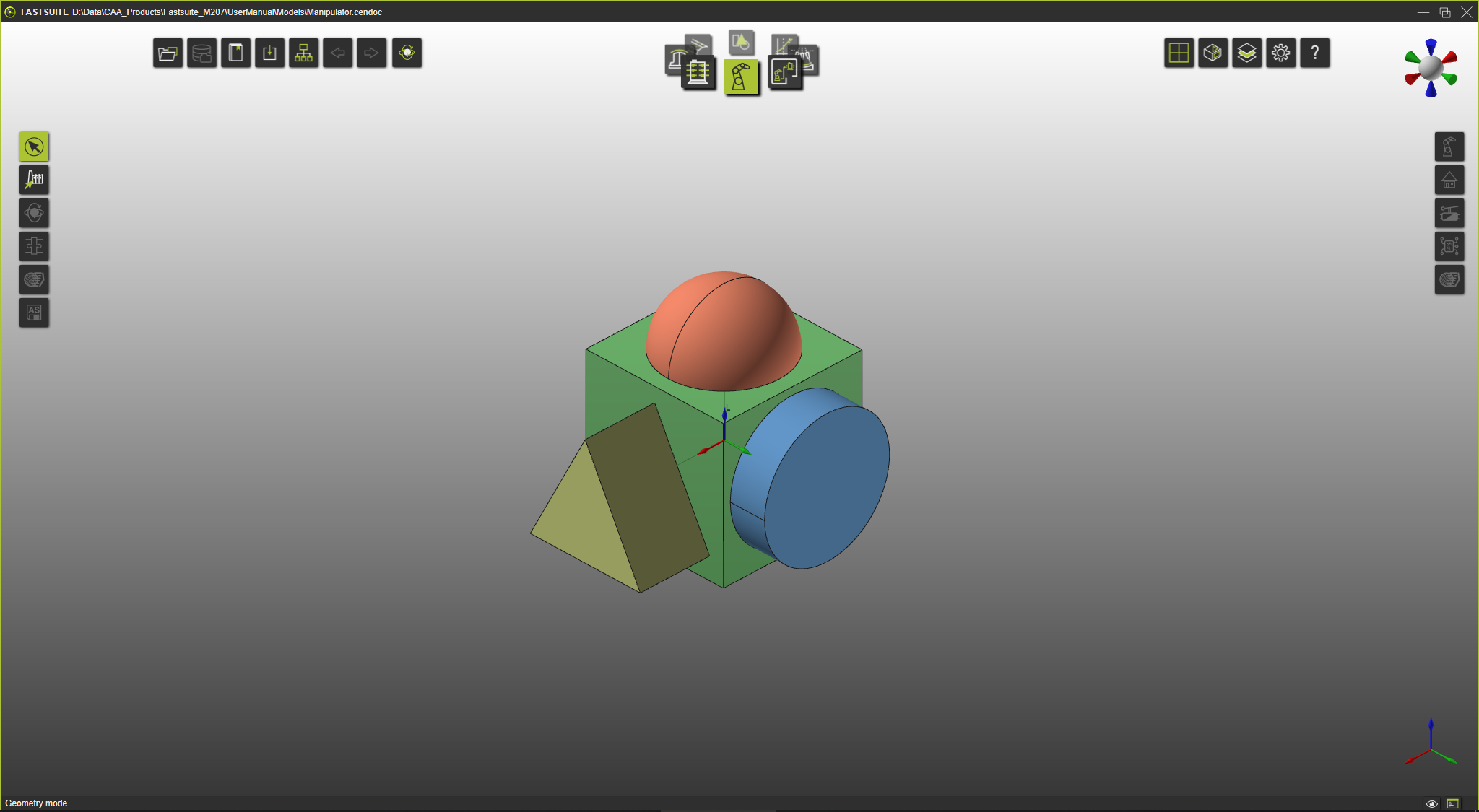 | 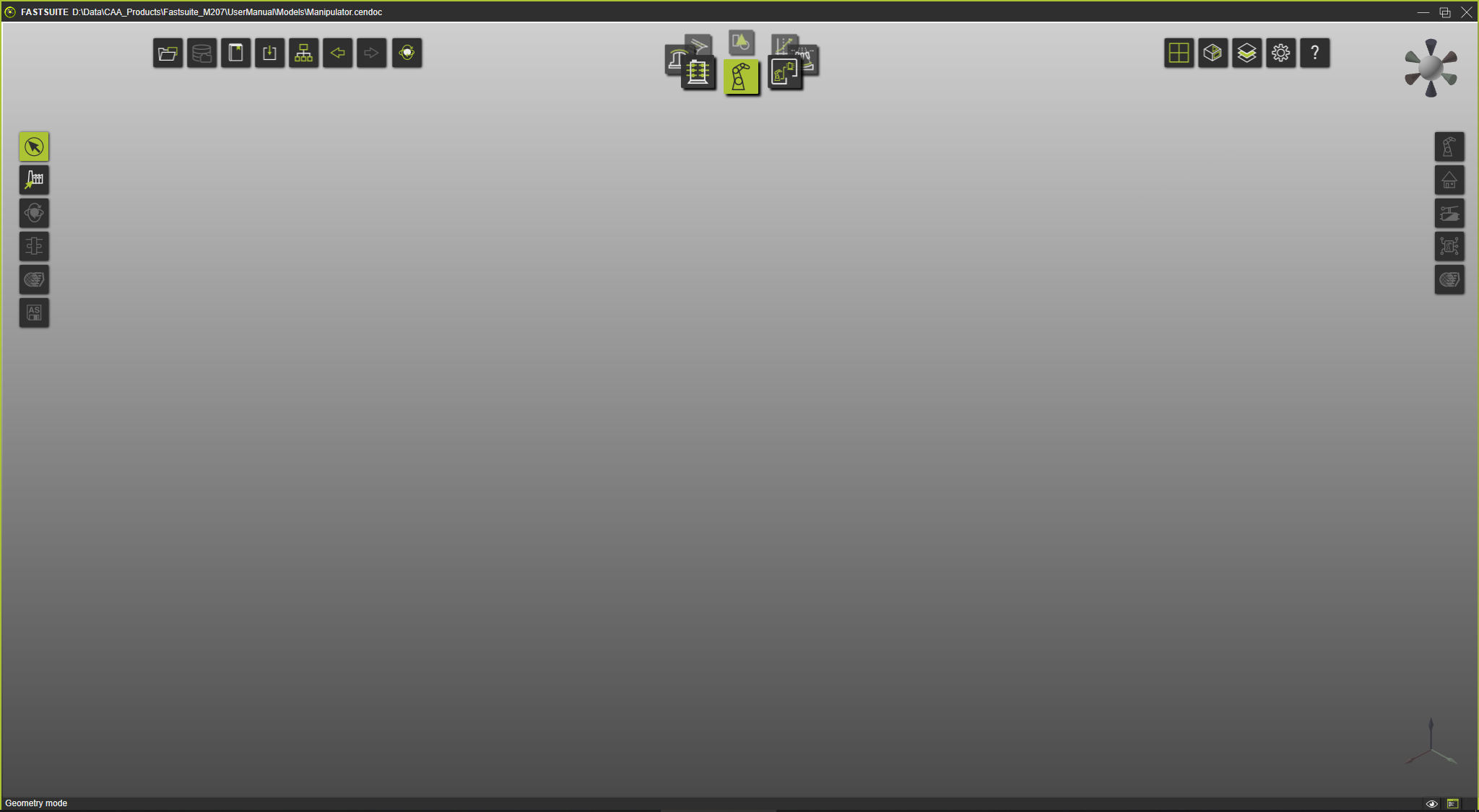 | |
| Workspace Show | Workspace Hide |
Although one can work in the Hide workspace, all simulation results, such as traces, are displayed always and only in the Show workspace.