Bauen Sie den Werkstückpositionierer auf
Zweck
Verwenden Sie die Resource Builder-Arbeitsumgebung, um eine Werkstück-Vorrichtung einfach zu erstellen.
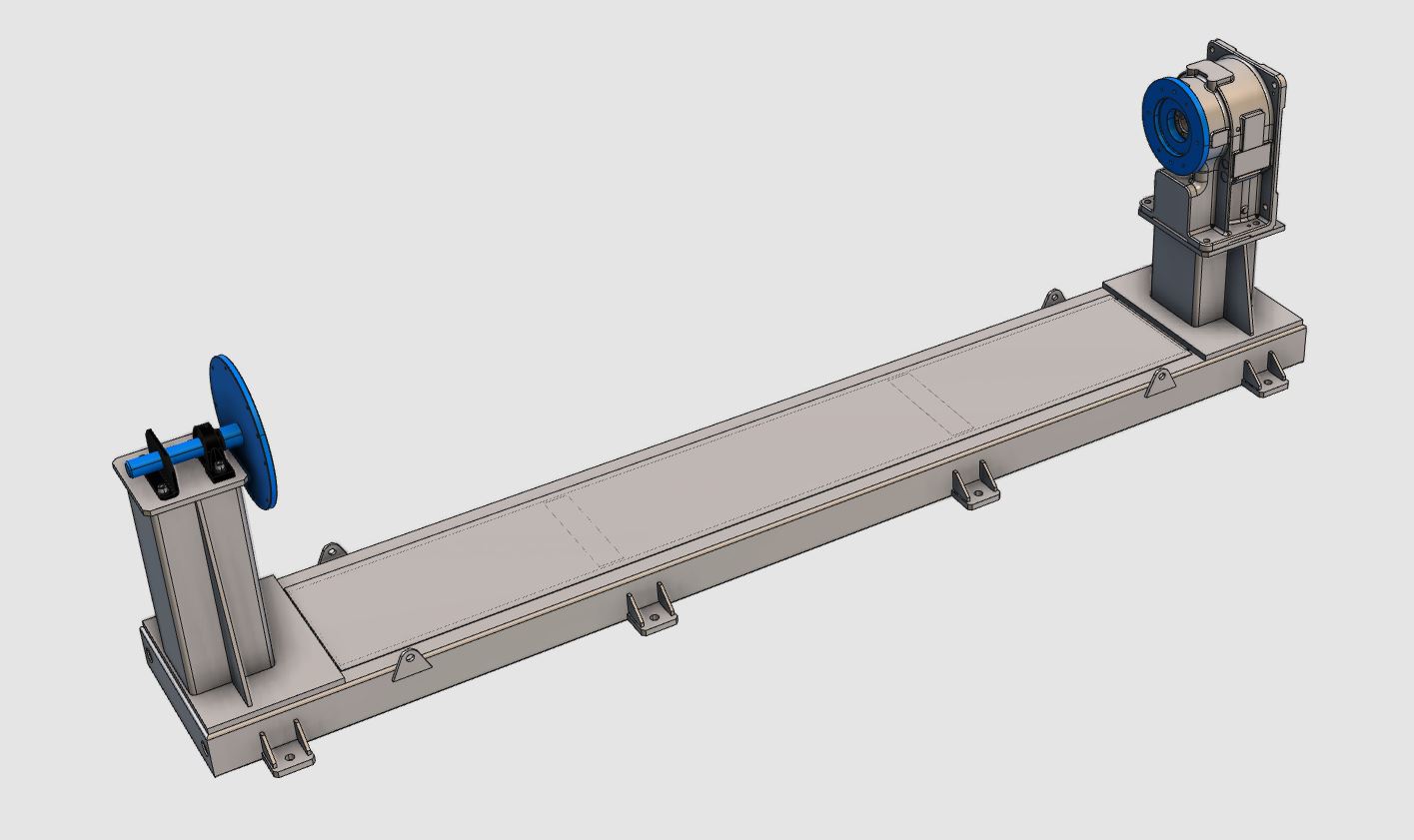
Die Geometrie der Vorrichtung zum Positionieren des Werkstücks wird aus einer externen Datei importiert, um die Vorrichtungsressource zu erstellen. Um die Vorrichtung in einer Arbeitszelle zu verwenden und das Werkstück darin zu laden, vervollständigen Sie sie mit der erforderlichen kinematischen Struktur, Adaptern und Eigenschaften.
Schritte
1. Vorbereitung (falls erforderlich)
1.1 Wechseln Sie zur Arbeitsumgebung Resource Builder.

Wechseln Sie zur RB-Vorrichtungsarbeitsfläche
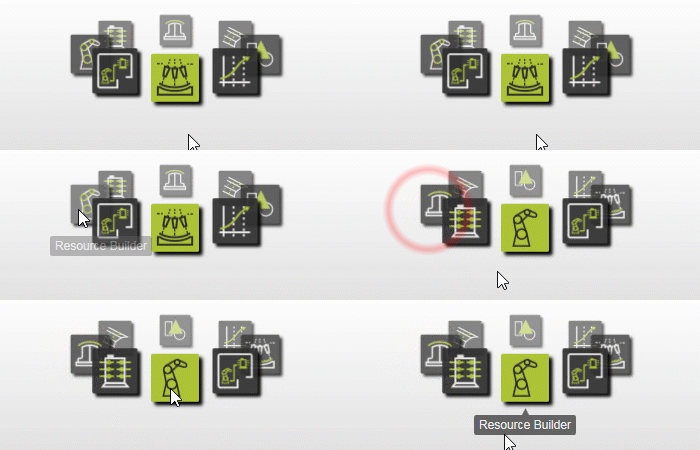
1.2 Erstellen Sie ein neues leeres Dokument.
Wenn in der aktuellen Sitzung bereits ein anderes Dokument geöffnet ist, erstellen Sie vor dem Fortfahren ein neues leeres Dokument.

Neues Dokument
2. Definieren Sie die Positionierervorrichtung
2.1 Importieren Sie die Geometrie des Positionierers.
Importieren Sie die Geometrie aus der Datei Positioner.x_b, die sich auf dem Installationslaufwerk dieses Handbuchs befindet.

Geometrie importieren
2.2 Erstellen Sie eine neue Positionierressource.
Erstellen Sie eine neue Werkstück-Vorrichtungsressource für die importierte Geometrie.

Erstellen Sie eine Vorrichtungsressource
2.3 Erstellen Sie das kinematische Skelett.
Erstellen Sie das kinematische Skelett des Positionierers mit einer synchronen Rotationsbewegung.
Erstellen Sie ein kinematisches Skelett
3. Erstellen Sie die Form der Positionierervorrichtung
3.1 Befestigen Sie die importierte Geometrie an der Basis des Positionierers.
Befestigen Sie den Rahmen der importierten Geometrie an der festen Basis der Vorrichtung des Positionierers.

Befestigen Sie die importierte Geometrie an der Basis
3.2 Befestigen Sie die Rotationsklemmen am Rotationsgelenk.
Befestigen Sie die Rotationsklemmen der Positioniergeometrie am Rotationsgelenk der Positionierressource.
Importierte Geometrie an kinematisches Gelenk anbringen
4. Erstellen Sie den Spannadapter
Der Spannadapter wird später verwendet, um das Werkstück in der Vorrichtung zu fixieren, sodass das Werkstück während der Simulation zusammen mit der Vorrichtung rotiert.
4.1 Definieren Sie einen übergeordneten Adapter an der Rotationsklemme.

Erstellen Sie einen Adapter
5. Definieren Sie die Eigenschaften des Positionierers
5.1 Definieren Sie die Ressourceneigenschaften.
Geben Sie der Positionier-Ressource einen geeigneten Namen und definieren Sie die Adapter- und Rahmen-Eigenschaften.

Definieren Sie die Ressourceneigenschaften
5.2 Definieren Sie die kinematischen Grenzen.
Definieren Sie die kinematischen Grenzen des Positionierers.
Definieren Sie die kinematischen Skelett-Eigenschaften
5.3 Definieren Sie die Referenzpositionen.
Definieren Sie die Ausgangspositionen des Positionierers.
Definieren Sie die Ausgangspositionen der Ressource
6. Speichern
6.1 Speichern Sie den Werkstückpositionierer.

Ressource speichern
Nächster Schritt
→ Erzeugen Sie das Lichtbogenschweißprogramm