Définition des joints de soudure
Objectif
Apprenez à étendre la géométrie du procédé de soudure à joints avec des informations spécifiques au procédé. En combinaison avec les tables de procédé, le contrôleur peut attribuer la procédure et les paramètres de procédé spécifiés à l’opération de soudage.
Chargez le projet Arcwelding_MultiTeach.cendoc depuis le dossier Projets de cette bibliothèque tutoriel.
Étapes
1. Tables de procédé
Les tables de processus sont des tables spécifiques à la technologie qui incluent les états de processus possibles que le contrôleur transmet à l’outil, initiés sur les déclencheurs d’événements dans le programme OLP. En soudage à l’arc, la table de procédé définit des paramètres supplémentaires attribués aux opérations de soudage sur joint.
1.1 Passage à l’établi Controller Builder

Établi Constructeur de contrôleurs

1.2 Tables de procédé ouvertes pour le soudage à l’arc
Ouvrez le tableau de bord de la table de procédé et sélectionnez le procédé de soudage à l’arc.

Tableau de bord des tables de processus
![[link:Ref_CB_ProcessTable]](/_next/static/media/help_32.a83448e5.png)
1.3 Importation de la table de processus contrôleur
Dans le coin supérieur droit, lance la commande Import. Choisissez le fichier ArcWelding_ControllerTable.csv dans le répertoire d’installation du matériel de formation. Lorsque nécessaire, modifiez les valeurs des paramètres.

Tableau des processus d’importation
1.4 Sauvegarder les tableaux mis à jour
N’oubliez pas de sauvegarder la manette avec les tables nouvelles ou mises à jour.

Contrôleur de sauvegarde
2. Définition de la soudage
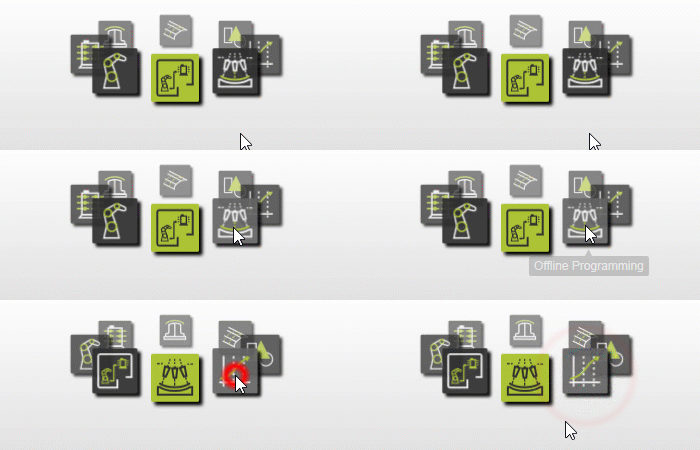
2.1 Retour à l’établi OLP

Établi OLP
2.2 Propriétés des joints de soudure ouverte
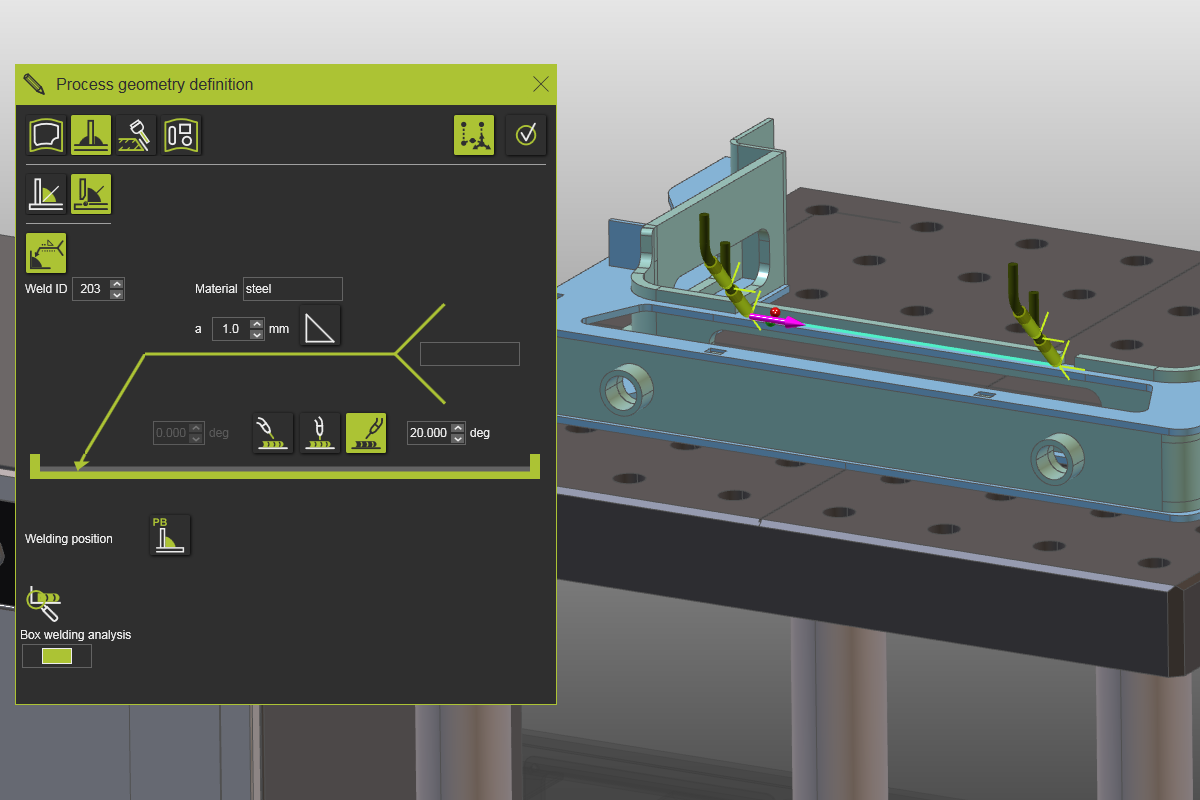
Dans la définition de contour de soudure, appuyez sur le bouton propriétés de la soudure pour afficher les paramètres de définition de la couture.

Propriétés du joint de soudure
2.3 Définir les valeurs de soudure et sélectionner la jointure
Saisissez les valeurs de la nouvelle opération de soudage et sélectionnez la couture sur la pièce à travailler pour programmer l’opération.
Paramètres de définition de la soudon
2.4 Vérifier les valeurs dans le programme Active
Ouvre le tableau de bord du programme Active. Remarquez que les valeurs issues de la définition de la couture et de la table contrôleur ont été appliquées à l’opération.

Tableau de bord actif du programme