Construire le support de luminaire
Objectif
Le support du luminaire sera créé à partir d’un fichier externe contenant sa géométrie.
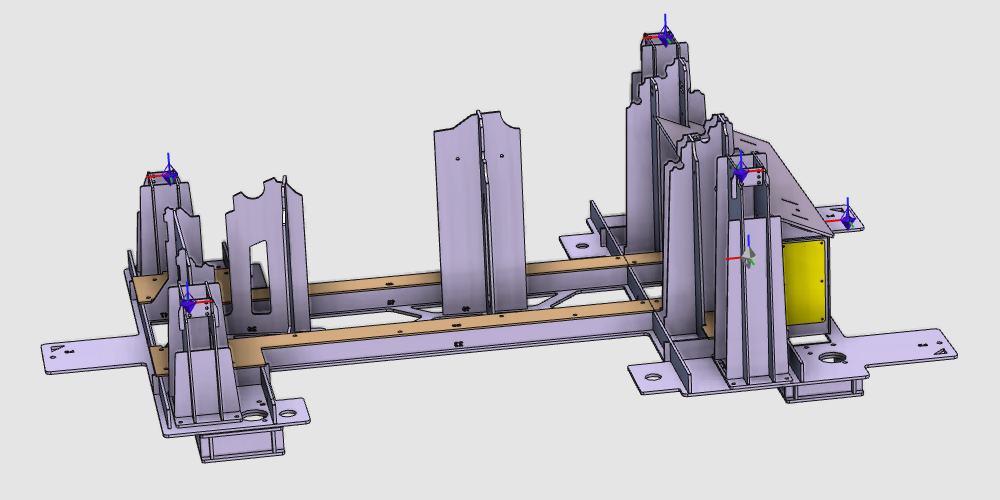
La géométrie du support est importée depuis un fichier externe pour construire la ressource porteuse. La ressource est ensuite complétée avec les informations nécessaires à l’utilisation de l’assemblage et à un placement précis des pièces.
Étapes
1. Préparation
1.1 Passage à l’établi Resource Builder

Passage à l’établi RB
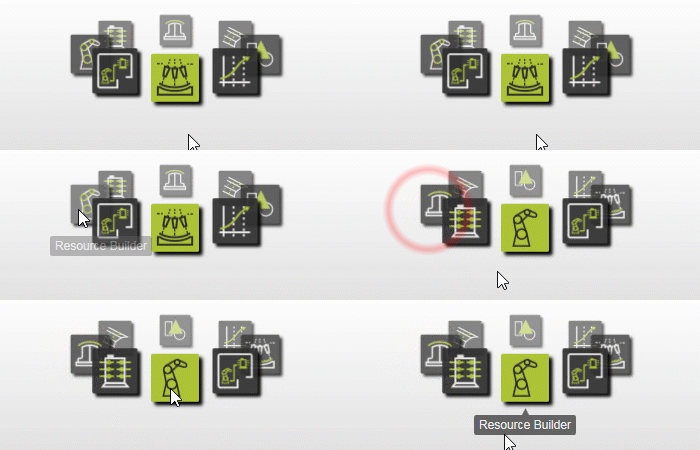
1.2 Créer un nouveau document vide
Si un autre document est déjà ouvert, créez un nouveau document vide avant de continuer.

Créer un nouveau document
2. Définir la ressource porteuse
2.1 Importation de la géométrie du support de luminaire
Importez B_Pillar_Fixture_Fix.stp depuis les données d’entraînement.

Géométrie d’importation
2.2 Créer une nouvelle ressource de calendrier

Créez une ressource de luminaire
3. Construire la forme du porte-avions
3.1 Attacher la géométrie du support à la ressource

Géométrie d’attache
4. Terminer la rencontre
4.1 Repositionner l’adaptateur de référence de la cellule de travail
Déplacez l’adaptateur de fiche mécanique (enfant) utilisé comme référence pour placer le luminaire dans la cellule de travail.

Repositionnement d’un adaptateur
4.2 Créer des adaptateurs de douille à pince
Créez un adaptateur mécanique pour douille (parent) pour chaque pince afin que les pinces puissent être facilement placées sur le porte-avions.

Créez un adaptateur de douille à pince
4.3 Créer l’adaptateur de référence de la pièce à travailler
Créer un adaptateur de douille mécanique à la position de référence utilisée pour placer correctement la pièce dans le luminaire.
Créez l’adaptateur de référence pour la pièce
5. Sauvegarder
5.1 Nommer la ressource de calendrier

Nommez la ressource de l’équipe
5.2 Sauvegarder la ressource de support de fixation complète

Sauvegarder la ressource
Étape suivante
-> Construis la colle-serre du luminaire