Mise en place du projet
Objectif
Apprenez à installer un nouveau cadre de base de référence pour le projet de découpe.
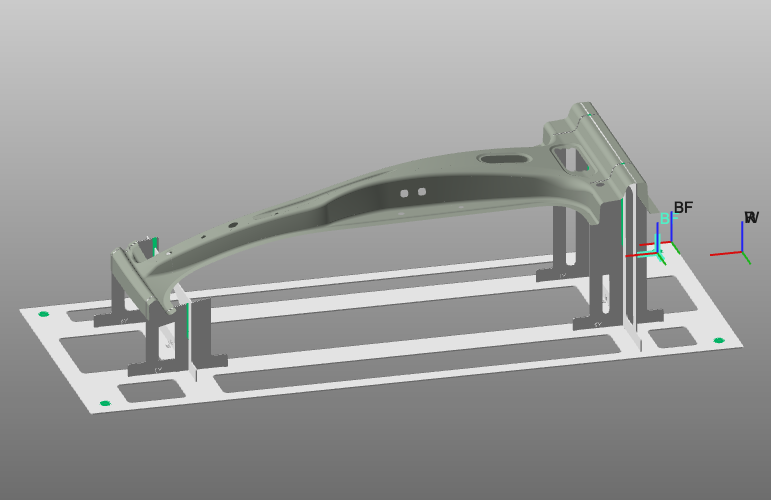
Chargez le projet Training_LaserCutFeatures.cendoc depuis le dossier Projets de cette bibliothèque tutoriel.
Étapes
1. Cadre de base
1.1 Vérifier la base de programmes
Vérifiez la configuration du projet. Le cadre de l’outil doit être situé au point focal du faisceau laser. Le cadre de base représente l’origine de votre nouveau programme.

Vérification de la configuration du programme
1.2 Ajouter un cadre de base
Ajoutez un nouveau cadre de base au projet.

Ajouter le cadre de base
1.3 Positionner le cadre de base
Placez le nouveau cadre de base créé au centre du trou du luminaire. Utilise les commandes de manipulation pour choisir.

Cadre de base de position
![[link:Ref_Manipulator_Position]](/_next/static/media/help_32.a83448e5.png)
1.4 Renommer le cadre de base
Renommer le cadre de base pour faciliter la reconnaissance.

Renommer le cadre de base
1.5 Activez le cadre de base
Placez ce cadre de base actif comme référence pour le programme de coupe.

Activez la trame de base