Display and controls
Overview
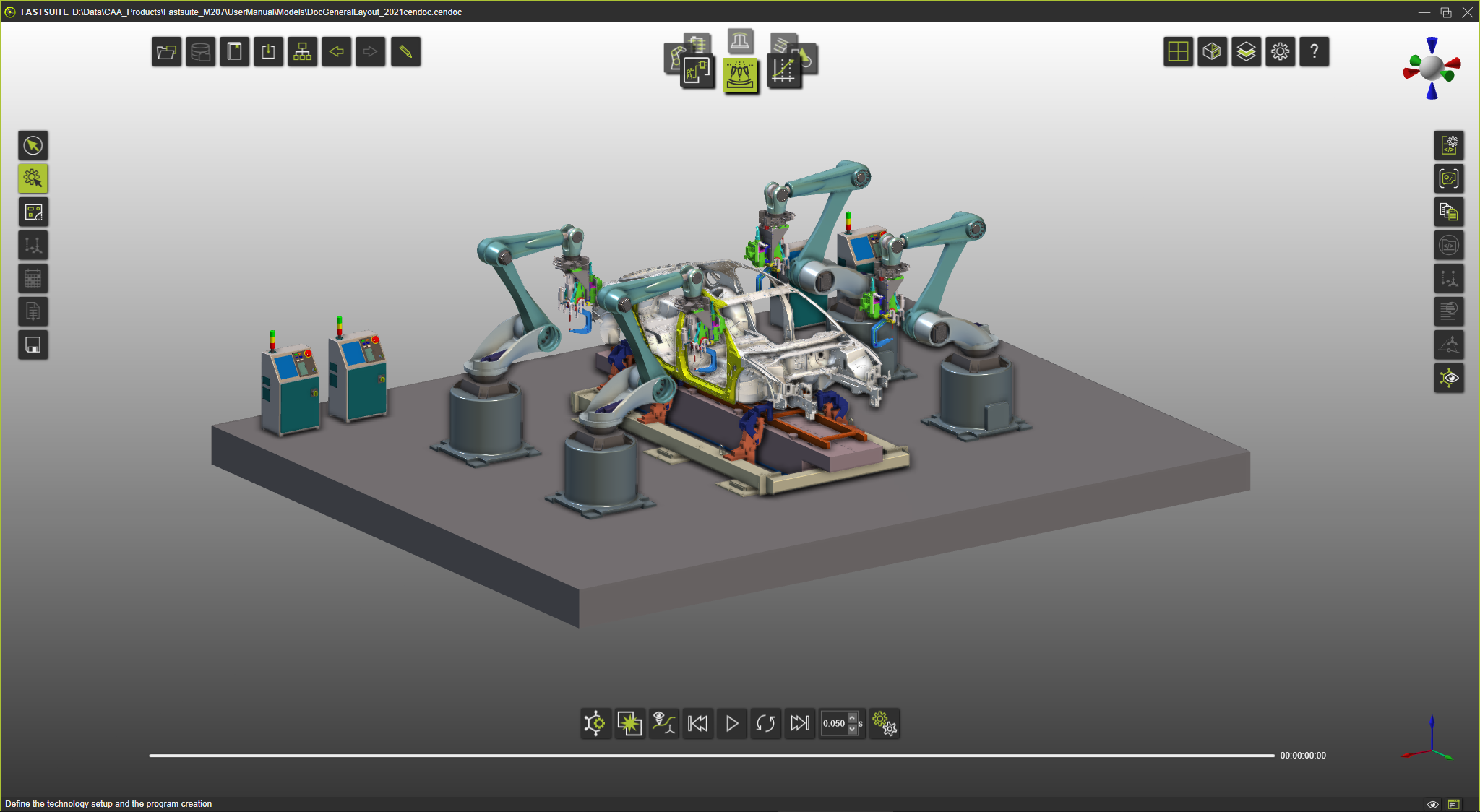
The capabilities of how the content of the workspace, i.e. the 3D objects, can be displayed and what controls are available to manipulate that display and / or object.

Selecting elements
Pan, rotate and zoom
Camera viewing
View directions
3D clipping
Workspaces to show or hide the geometry
Split screen
Geometry visualization
Interaction and response
Dashboards
Messages
Was this page helpful?