Generate the laser cutting program
Purpose
After setting up the workcell, laser cutting programs can be generated, optimized, and simulated.
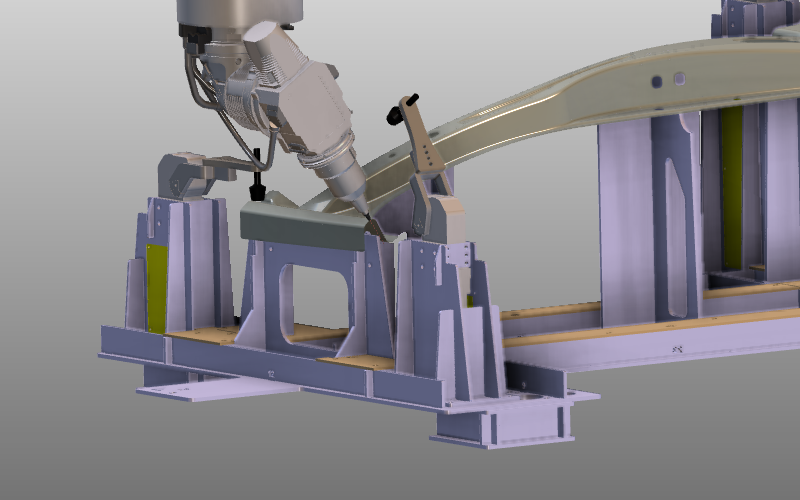
A cutting contour will be programmed and modified. In this tutorial, clamp events are added to open clamps when the laser head approaches and to close them afterward. Continue with the workcell setup from the previous step.
Steps
1. Cutting operation
1.1 Program a cutting operation
Start Generate process geometry, pick the outer contour on the workpiece, and program the cutting operation.

Program operation
1.2 Run partial simulation near clamp
Run a partial simulation around a clamp to identify where the laser head collides with the clamp and workpiece.

Partial simulation
1.3 Modify toolpath locally
Modify the local path so it runs collision-free with the workpiece.

Toolpath modification
2. Open the clamp
2.1 Add clamp-open event
Define an event to open the clamp, then simulate the result.
Clamp open event
2.2 Add clamp-close event
Complete the action by adding an event that closes the clamp again, then simulate the result.
Clamp close event
Completion
-> Return to Building a project with workpiece fixture with movable clamps