Download the welding program
Purpose
In this last page we will create a program that can be sent to and executed by the real robot station.
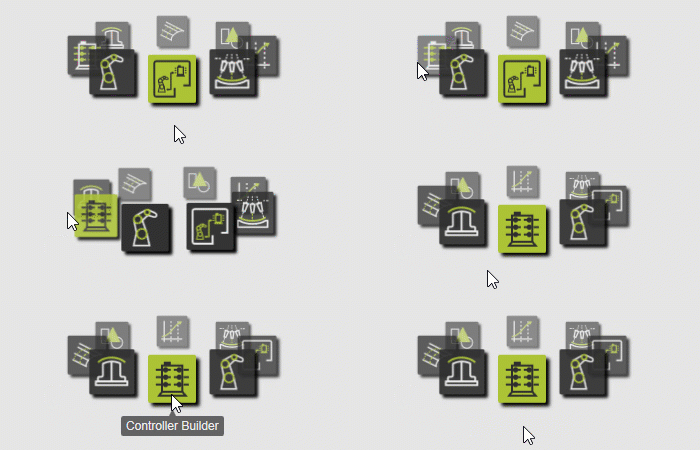
The Controller Builder workbench is used to configure the download or translation of the program from OLP to machine code, as well as diverse controller settings.
Steps
1. Export the programs
1.1 Switch to the Controller Builder workbench.

Switch to the CB workbench
1.2 Configure the OLP translator
Open the Controller dashboard. In the OLP Translator container verify or set the translator, for this example, to FANUS_RJ_BASIC_ARC_CNT.xml. The OLP translator is vendor specific.

Set the translator
1.3 Set the output directory
In the same container, specify the Output directory path where you want the program to be downloaded. Confirm with either the Enter key or by clicking somewhere outside the panel.
Set the output directory
1.4 Rename the program
Change to the OLP workbench and open the Programs dashboard. Click the program name to change it.

Rename the program
1.5 Download the program
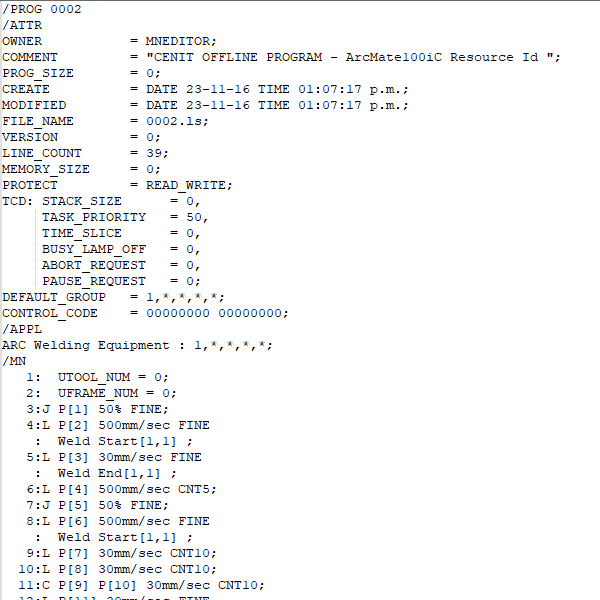
Press the OLP download button. This creates the robot-specific program and stores it at the defined location where you can open it to review.

Download