File_Open
 | Open document.  |
| Open file | |||
|---|---|---|---|
| 1 | Click on the File command in the upper document toolbar. A drop down menu opens. |   | [link:Ref_UI_DocToolbar] |
| 2 | Click on the Open command. | | |
| A browser appears. | 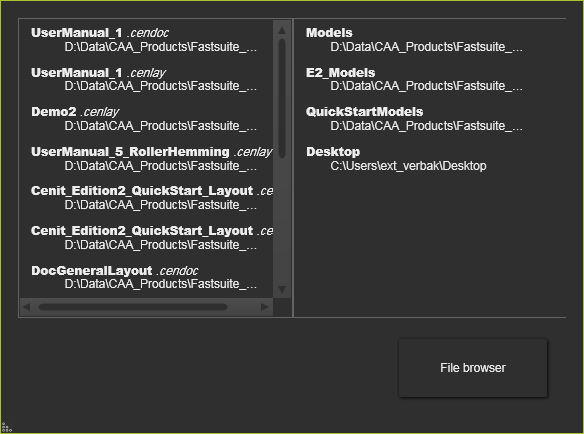 | ||
| 3 | When the file has been opened recently it can be found in the left column of the browser. In the right column recently used folders can be opened to look for the file. Or click on the File Browser button to start a regular Windows file browser. |  | |
| 4 | Select the file that has to be opened. |
Was this page helpful?