Build the fixture resource
Purpose
FASTSUITE Edition 2 distinguishes between the workpiece, the weld part, and the fixture resource. The fixture resource will be created from the external file containing the fixture geometry.
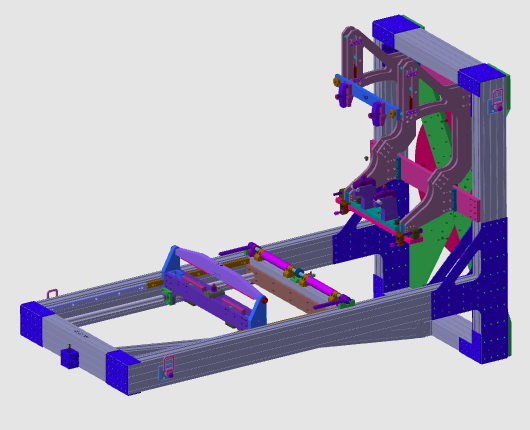
The fixture document is generated and filled with imported geometry from an external file. Then the resource is completed with adapter references so it can be loaded into a workcell layout and used to position weld parts correctly.
Steps
1. Preparation (if needed)
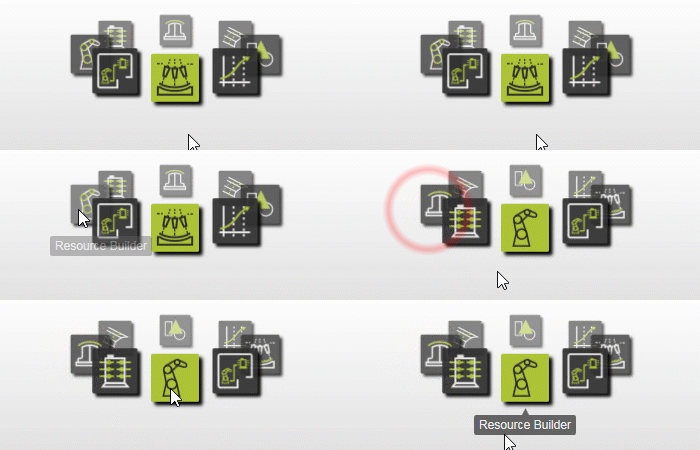
1.1 Switch to the Resource Builder workbench.

Switch to RB workbench
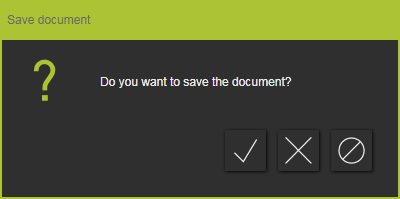
1.2 Create a new document when another file is already open.
If another document is open in the current session, create a new empty document before you continue.

Create a new document
2. Define the fixture properties
2.1 Create a new fixture type resource.

Create fixture resource
2.2 Give the fixture an appropriate name and verify its basic properties.

Set fixture properties
3. Build the fixture shape
3.1 Import fixture geometry from an external file.
To use the fixture consistently in the project, import the required geometry and verify that the imported model matches the expected orientation.

Import fixture geometry
3.2 Attach the imported geometry to the fixture resource root.

Attach geometry
4. Complete the fixture
4.1 Create a parent mechanical adapter reference on the fixture.
Use a shared reference location between the fixture and weld part, such as a fixation hole, so both resources can be aligned reliably.

Create fixture adapter
4.2 Reposition the default adapter if needed.
If the default location is not suitable, move the adapter to the intended connection position.

Adjust adapter position
4.3 Create a mechanical socket adapter for workpiece placement.
Define the socket at the final reference position so the workpiece can be attached in the intended orientation.
5. Save
5.1 Save the completed fixture resource.

Save fixture resource
Next Step
→ Build the welding part workpiece