Operation balancing & sequencing
Purpose
Learn to change the sequence of the operations and to balance the load over multiple controllers
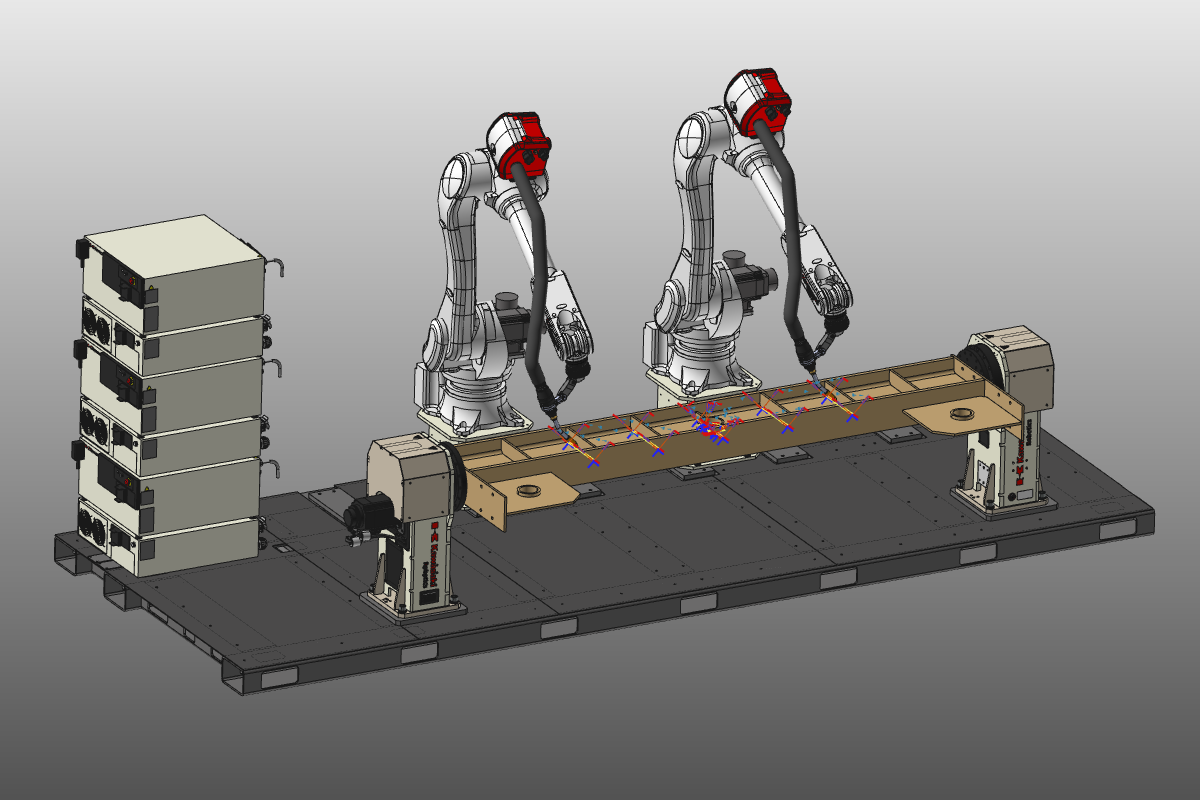
Load the project Arcwelding_Balancing.cendoc from the Projects folder of this tutorial library.
For the purpose of this training session, several simplified welding operations have been programmed to highlight sequencing and balancing possibilities.
Steps
1. Sequencing within the active program
1.1 Review operation sequence in the Active program
Open the Active program dashboard and review the different welding operations. Run a partial simulation on the program, or part of it, to see the order in which operations are processed.

Active program
1.2 Reorder operations in the flow chart
In the dashboard, select the operation Plate 2L outside and keep the mouse button pressed. Drag the operation above another operation in the dashboard until a green triangle appears. This indicates where the operation will be placed in the flow chart. Release the mouse button to drop it there. Rerun the simulation to see the effect.
Operation sequence
2. Balancing and sequencing over multiple controllers
2.1 Open Balancing and sequencing and review controller load
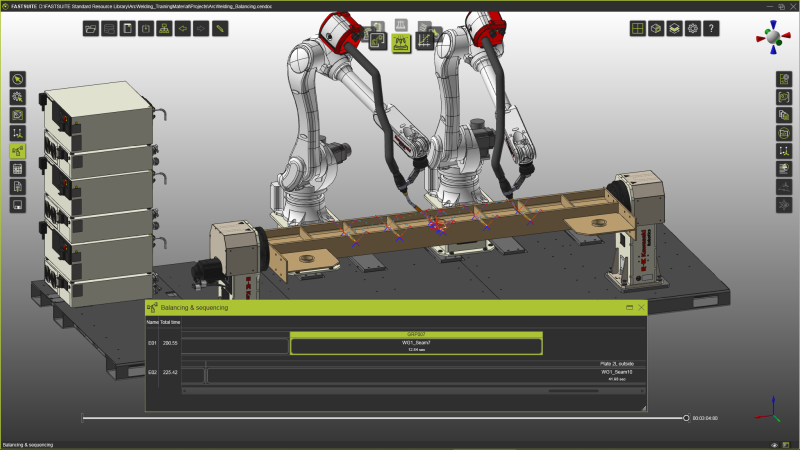
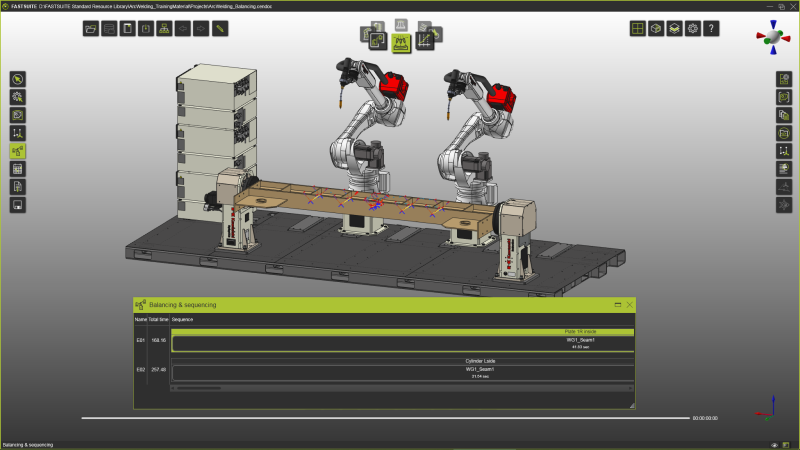
Start the Balancing and sequencing command. It opens a panel displaying all controllers and their operations in sequence order, each with computed operation time. The total time is shown in front. Review the panel and note differences in simulation time between controllers. Run a simulation to confirm that one robot finishes earlier than the other. Increase simulation speed if needed.

Balancing and sequencing
2.2 Reorder operations within one controller
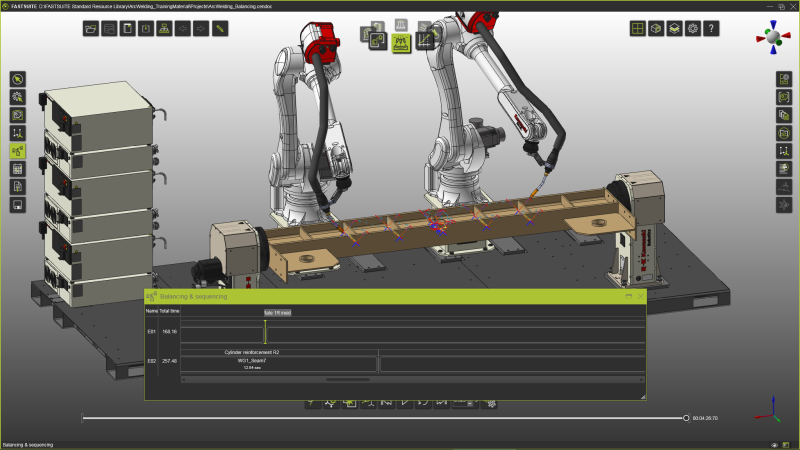
Within a controller, operation sequence can be changed. Pick the target operation while holding the mouse button, drag it to a new green-marked position, and release to drop it. Run another simulation to verify the result.
Balancing and sequencing
2.3 Move operations between controllers for load balancing
Using the same routine, move operations between available controllers. This enables distribution of operations across robots and a more balanced workload.
Balancing and sequencing