Build the welding gun
Purpose
Use the Resource Builder workbench to build the spot welding gun and prepare it for welding operations.
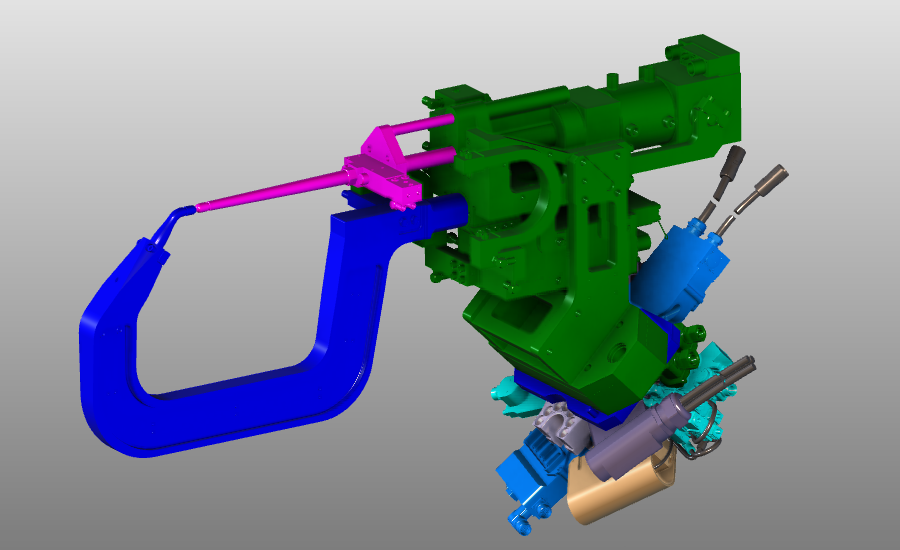
The welding gun geometry is imported from external files and converted into a tool resource. The resource is completed with kinematics, parameters, and TCP information so it can be used in the welding project.
Steps
1. Preparation
1.1 Switch to the Resource Builder workbench

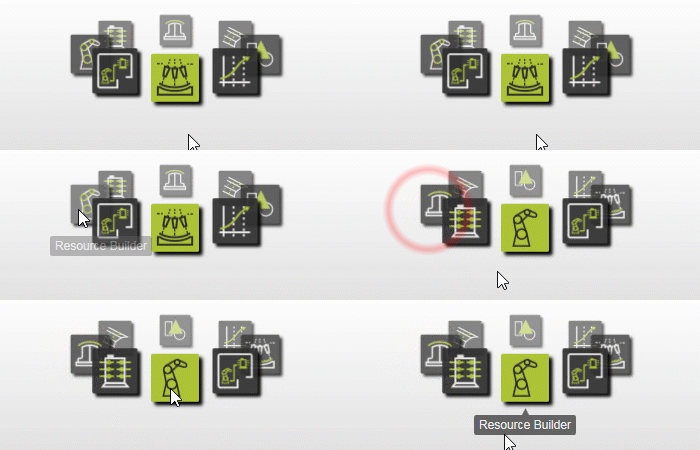
Switch to RB workbench
1.2 Create a new empty document (if needed)
If another document is already open in the running session, create a new empty document. If no document is open, this step can be skipped.

Create a new document
Open the File menu and select New. If prompted, choose whether to save the currently open document, close it without saving, or cancel.
2. Define the tool resource
2.1 Import welding gun geometry
Import the geometries from C-Type Weld Gun Spot Fix.cgr and C-Type Weld Gun Spot Mobile.cgr in the training data. Both files can be imported together.

Import geometry
2.2 Create a tool resource for the welding gun

Create a tool resource
3. Build the welding gun shape
3.1 Build the kinematic skeleton
Build the kinematic skeleton for the movable electrode so the gun can open and close while programming spots.
Manipulator coordinates:
| Axis | Value |
|---|---|
| X | -25,000 |
| Y | -6,000 |
| Z | 665,000 |
| RX | 180,000 |
| RY | -45,000 |
| RZ | -165,000 |
Build kinematic skeleton
3.2 Attach the movable electrode geometry
Attach the movable electrode geometry to the kinematic joint.

Attach geometry
3.3 Attach the static electrode and gun body
Attach the static electrode and body of the gun to the resource root frame.
Attach static geometry
3.4 Show all attached geometry

Show geometry
4. Define the welding gun properties
4.1 Name the gun and set kinematic limits

Set kinematic limits
4.2 Define home positions

Define home positions
4.3 Create the TCP tool frame
Create a tool frame at the static electrode to use as the current TCP during programming.
Manipulator coordinates:
| Axis | Value |
|---|---|
| X | 260,270 |
| Y | 69,653 |
| Z | 959,167 |
| RX | 178,225 |
| RY | -44,972 |
| RZ | -162,490 |

Define frames and adapters
5. Save the welding gun
5.1 Save the completed welding gun

Save the resource
Next Step
-> Set up the spot welding project