Build a robot pedestal
Purpose
Use the Resource Builder workbench to define a robot pedestal resource for mounting and positioning the robot in the workcell.
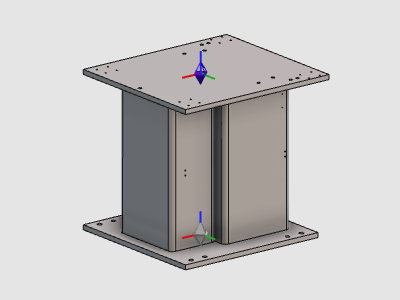
The pedestal resource is created from imported geometry, completed with an adapter, and then configured with the required properties.
Steps
1. Preparation
1.1 Create a new empty document (if needed)
If another document is already open in the running session, create a new empty document. If no document is open, you can skip this step.

Create a new document
Open the File menu and select New. If prompted, choose whether to save the currently open document, close it without saving, or cancel.
1.2 Switch to the Resource Builder workbench

Switch to Resource Builder
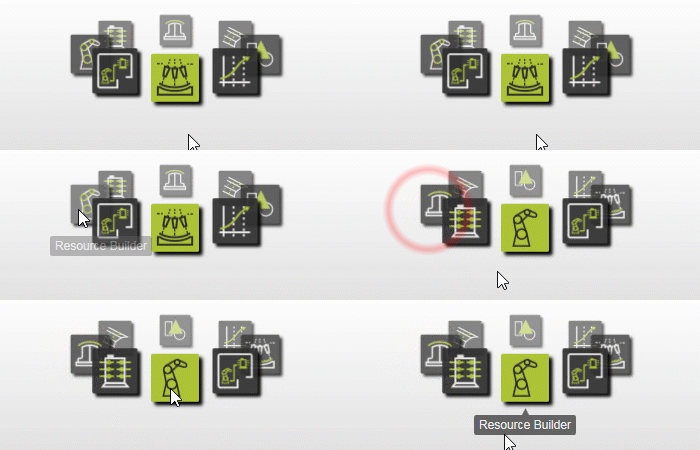
2. Define the pedestal resource
2.1 Import pedestal geometry
Import the pedestal geometry from the training file set.

Import geometry
2.2 Create the building parts resource
Create a new building parts type resource for the imported pedestal geometry.

Create building parts resource
3. Build the pedestal resource shape
3.1 Attach geometry to the root frame
Attach the imported pedestal geometry to the root frame of the resource.

Attach geometry
4. Complete the pedestal resource
4.1 Create the mounting adapter
Create the adapter on the pedestal table so the robot can be mounted.

Create adapter
4.2 Configure resource properties
Set the resource name and complete the remaining properties.

Configure resource properties
5. Save and verify
5.1 Save the pedestal resource

Save resource