3D view layout
3D view interactive areas
The 3D view is the environment, i.e. the workspace, where all the direct interactions with the 3D objects are taking place. It has several interactive areas, where certain commands or actions are started or where other information is being displayed.
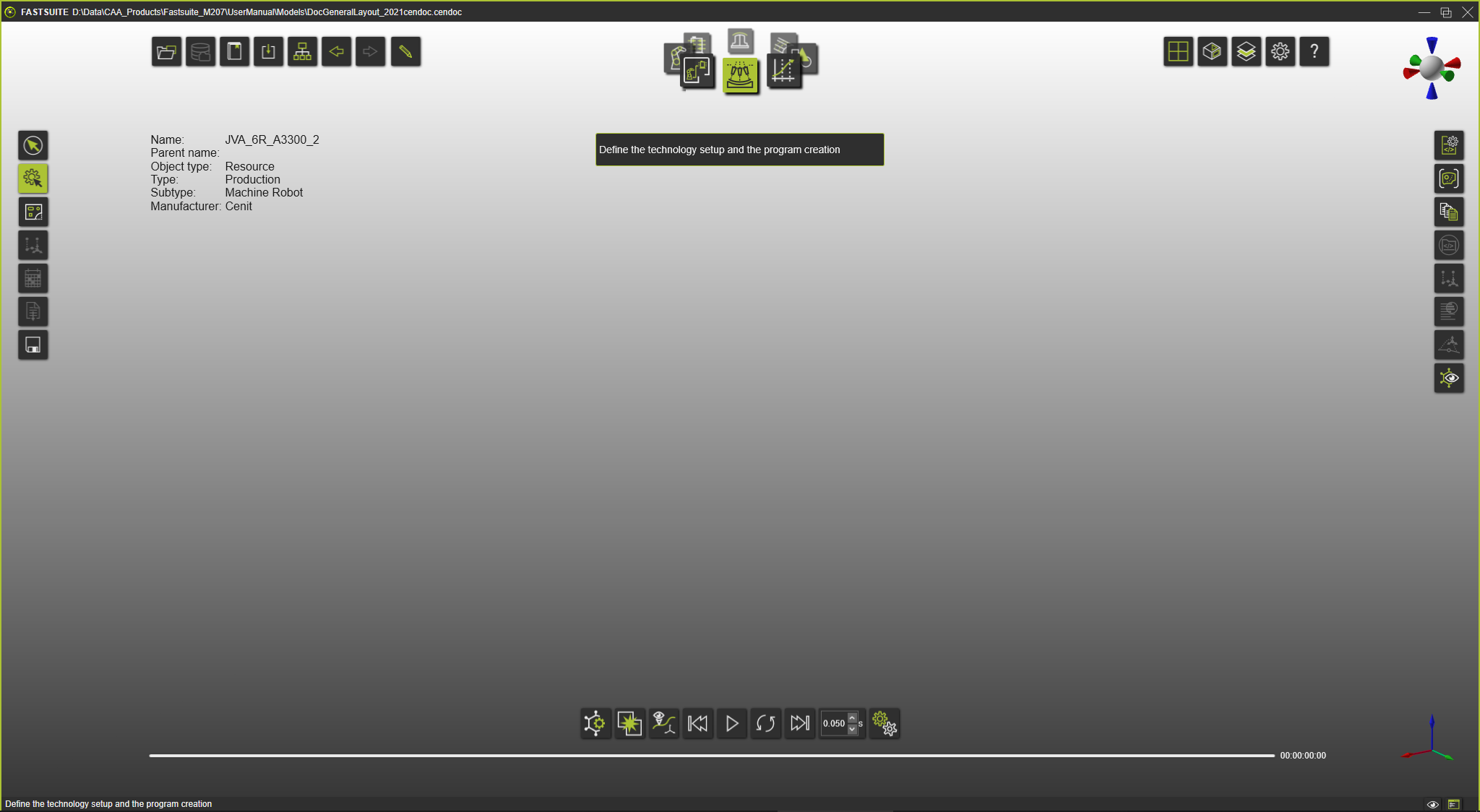

Workbench carousel

Headup display

Document toolbar
Help display

Operation modes

Simulation player

View toolbar

Active frame

View Compass

Display filters

Workbench toolbar

Console

Workbench dashboard
Was this page helpful?