Operation linking paths
Purpose
Learn the attributes that modify laser head motion between cutting operations.
Load the project Training_LaserCutFeatures.cendoc from the Projects folder of this tutorial library.
Steps
1. Operation linking
1.1 Program two operations
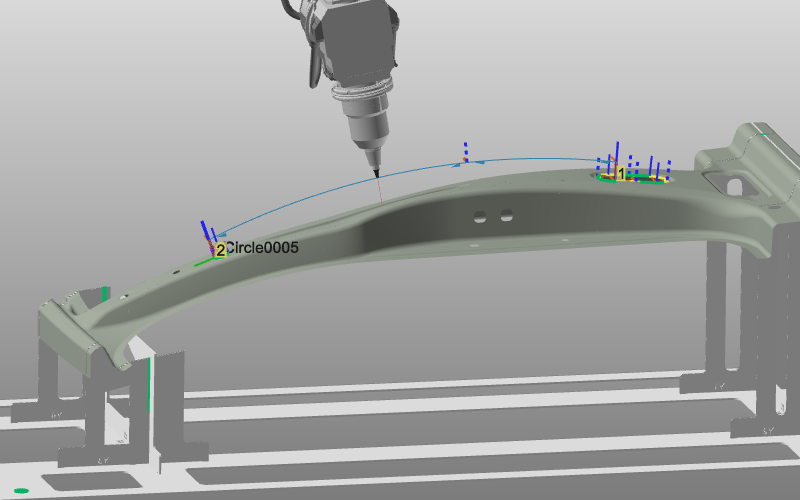
Program two operations and observe the default blue link path between them.

Program operations
1.2 Run collision analysis
Simulate with collision analysis and verify that the laser head collides with the workpiece.

Collision analysis
1.3 Open Operation linking settings
Open the Active program dashboard and switch to the Operation linking tab.

Active program dashboard
1.4 Change link type and arc height
Change the Link type and review the immediate effect on the linking path. For Circular link type, set a height to define the arc between operations and optionally teach its position with the manipulator.

Operation linking attributes
Was this page helpful?