Software licensing
In this chapter the software license installation and setup is described.
Wibu CodeMeter
FASTSUITE uses CodeMeter from Wibu Systems as license system for its software applications.
When installing FASTSUITE Edition 2 over the Setup.exe, the CodeMeter software is installed automatically, together with its necessary dependencies for the local installation. If one needs to set up a license server for CodeMeter, or update the license system itself, the software has to be downloaded first. Then a manual installation has to be executed.
The Wibu CodeMeter software can be downloaded from the Cenit download portal or the Wibu website.

Cenit download portal
Wibu CodeMeter download
License setup
The license system can be setup for a local license or a server license.

Installing a local license
Installing a server license
With CodeMeter the FASTSUITE license (file) is provided for the users of the application. The license file includes which FASTSUITE packages and products have been granted for usage. With the FASTSUITE Edition 2 Administration tool one can control which of these package or product license features will be grabbed when starting a session.
Administration tool
License check
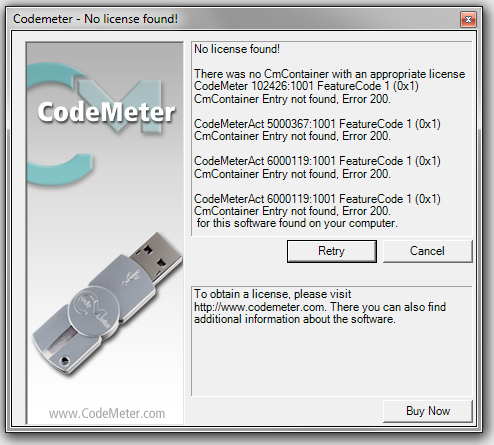
When FASTSUITE is started, a check is performed if a valid license is available. If none is found, the Administration tool will start to allow the user to configure or activate a license.