Program a single point operation
Purpose
Program the approach operation of the cleaning device using manual teach commands and simulation.
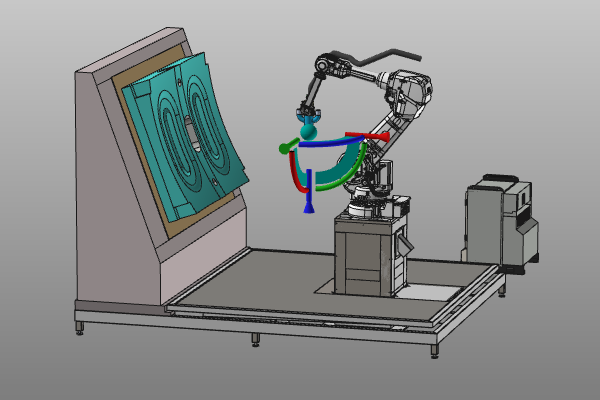
The initial approach positions are inserted and refined so the first operation can be simulated and validated.
Steps
1. Preparation
1.1 Switch to the Offline Programming workbench

Switch to OLP workbench
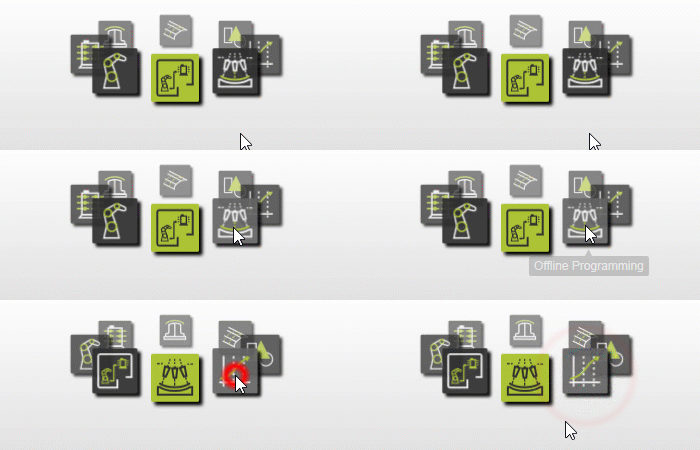
2. Unit setup
2.1 Verify spraying technology for the robot

Set technology
2.2 Create and place a new base frame
Create a new base frame on the workpiece carrier to define the origin point for the program.
Create base frame
2.3 Rename the base frame
Rename base frame
2.4 Set the base frame active
Activate base frame
3. Program the toolpath
3.1 Teach the first home position
Create the first home position with simple teach. A new robot program is created automatically.

Program an operation
3.2 Modify or insert positions
Select the toolpath element axis system and adjust positions. The point is active when the manipulator center sphere turns blue.

Add or modify position
3.3 Simulate the operation

Simulate program
3.4 Remove unnecessary positions
Edit operation points
3.5 Use Teach panel for joint and configuration edits
Changes in Teach panel update the computed toolpath directly.
Refine toolpath values
4. Save the project
4.1 Save the project file

Save project
Next Step
-> Program the surface operation