Fixture_BasePlate_Thickness
 | Change the thickness of the fixture base plate.  |
| Change base plate thickness | |||
|---|---|---|---|
| 1 | Start the Fixture parameters dashboard by picking the icon in the right dashboard toolbar. |  | |
| The dashboard window appears. | 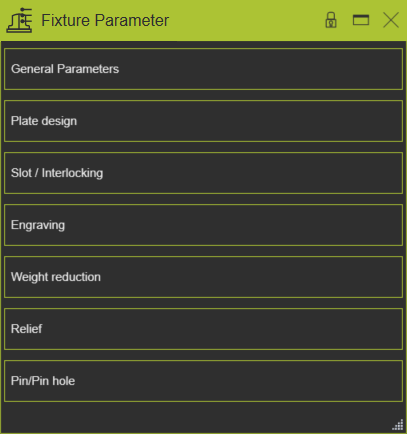 | ||
| 2 | If not open already, click in the General parameters container field to open it. | ||
| 3 | Change the Base plate thickness value. | 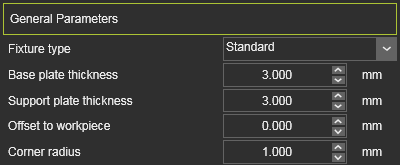 | |
| 4 | At the center of the Manipulator, open the Pie menu and pick the Recompute command to rebuild the fixture. |   |
Was this page helpful?