User interface
Start the Administration Tool
The Administration Tool is started by executing the AdminTool.exe file that is located in the installation folder of FASTSUITE Edition 2.
The application opens a window.
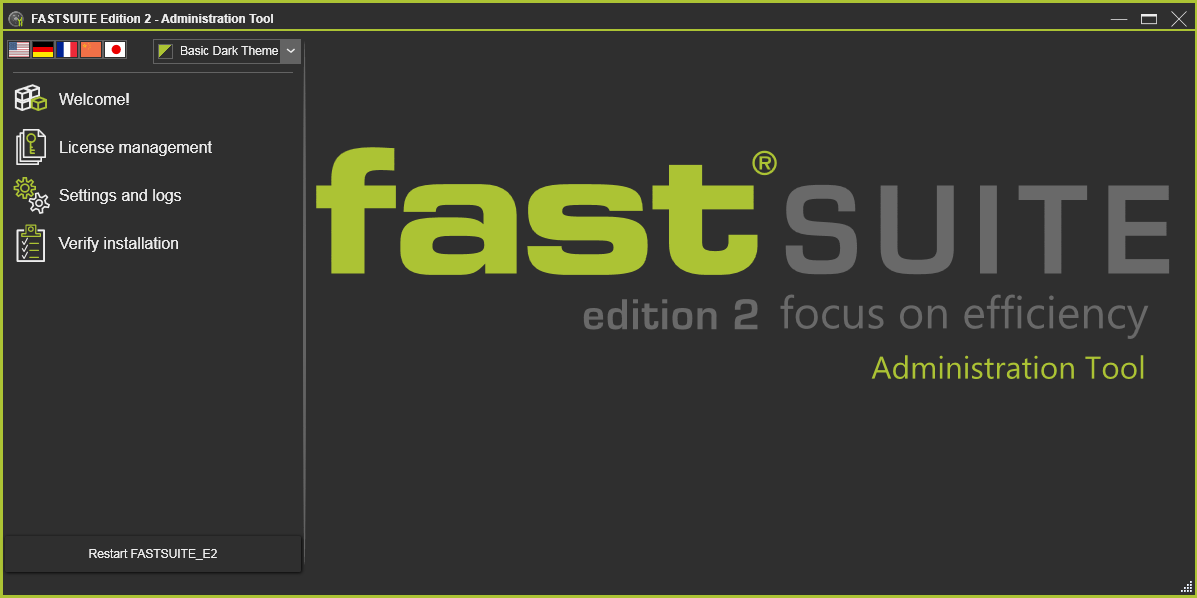
The window can be re-sized.
User interface
The user interface of the Administration Tool consist of three major areas. The left side has a small settings section and displays a menu of topics. At the right, the section will display the content of the selected topic.
There are two base settings for the user interface of the Administration Tool.
| Language | Selector to set the language of the user interface.  |
| Color scheme | The base color scheme of the user interface. A drop-down list to select from. 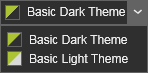 |
Was this page helpful?