To modify the fixture parameters first its necessary to select the fixture or sub element that is to be modified. Most of the parameters exist on a fixture level and apply for the entire fixture design.
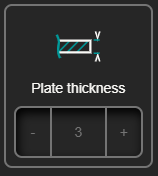
Plate Thickness
Overall plate thickness of the fixture plates.
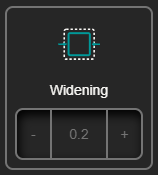
Widening
It’s an overall tolerance in between the fixture walls and the workpiece geometry, it’s normally used to aid on the mounting and extraction of the workpiece in the fixture, its normally kept under 0.5mm
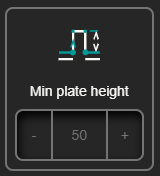
Min Plate height
It’s the height of the plate sections that are not in contact with the workpiece, it is also the default height of the plates that are completely outside of the reach of the workpiece.
Flange
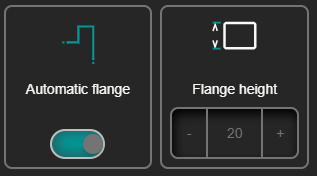
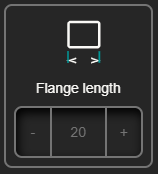
Flanges are extra material added to the ends of the plates when there borders of the workpiece geometry is, to restrict the parts motion. There are three parameters that control the flange behavior.
Automatic Flange: Decided if flanges are added to the fixture design or not.
Flange height: Determines the height of the flange material, this can be set to 0 to have some extra support on the plates without restricting the part.