The Fixture tree displays all the Fixture components as well as the workpiece divided into subcategories. The tree view button expands and collapses the tree side view panel, this button will be disabled by default before a fixture is created and it’s opened by default once a template is used to create a fixture.
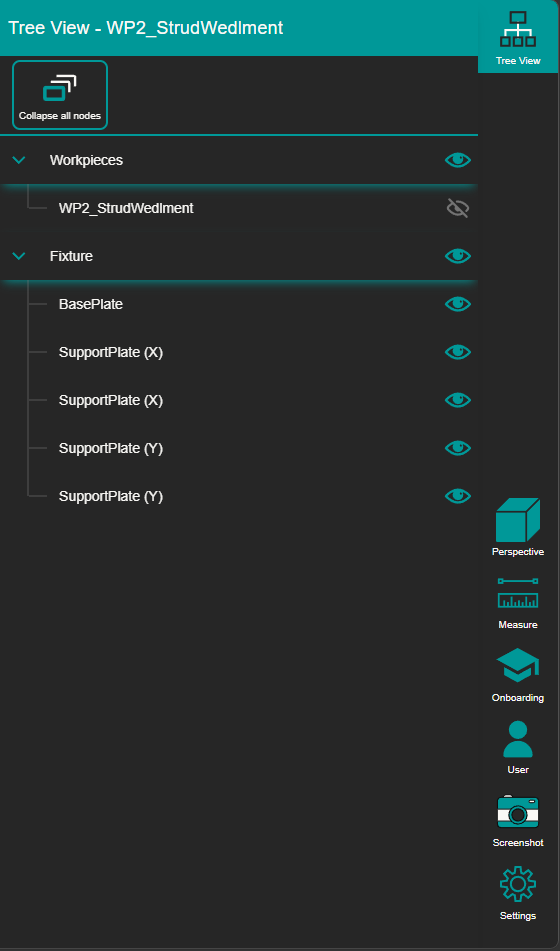
The tree contains controls for visibility, editing and delete for all the fixture and workpiece components.
Hide and show components
Each subcomponent in the tree contains an toggle command to hide and show components, when components are hidden, they are still part of the fixture and will be part of the plate’s computation and export.
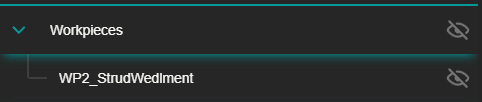
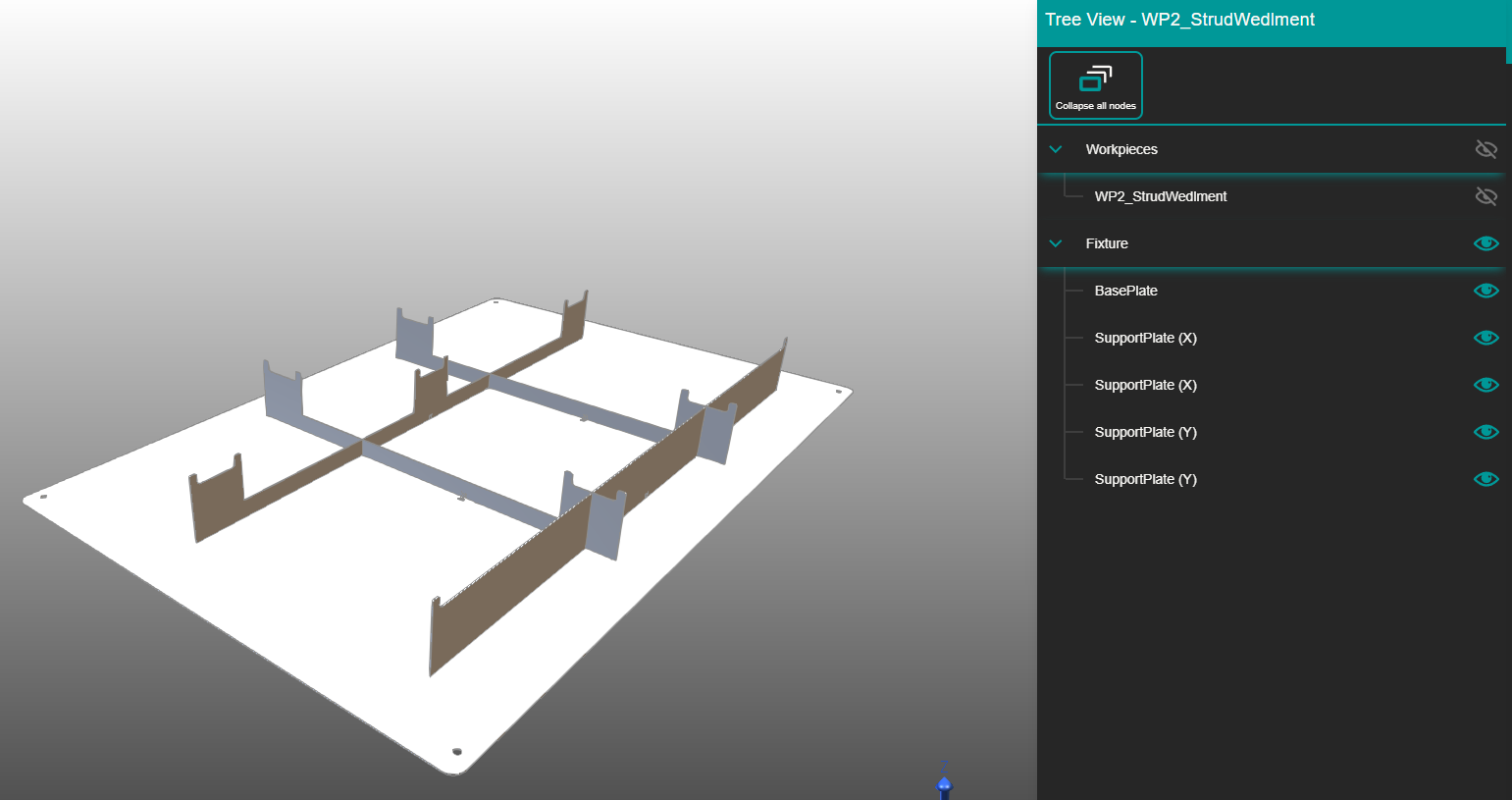
Expand**/**collapse nodes.
The three subcategories can be expanded and collapsed. To collapse/expand nodes click on the left arrow marker of every category node.

To expand/collapse all the nodes at the same time click the top tree toggle command.
