The settings panel provides the software options to customize the UI text fields and colors.

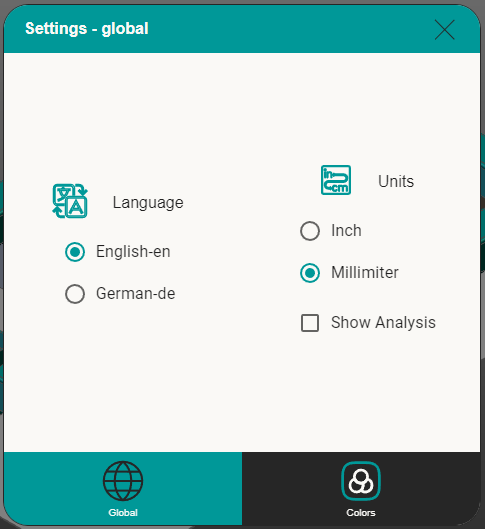
On the Global tab the user can select the language in between default English or German. And change the units in between inches and millimeters.
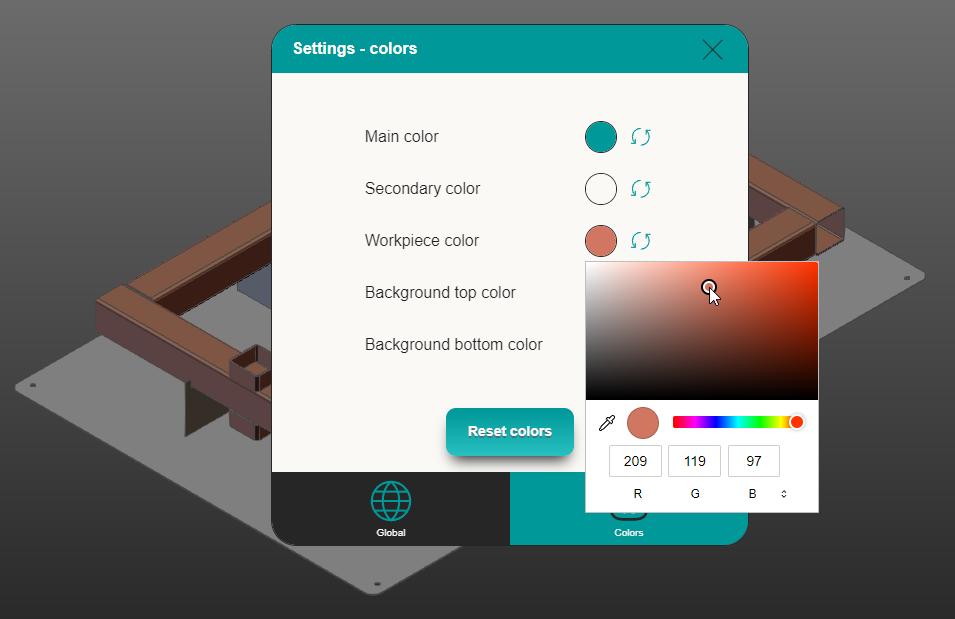
On the colors tab, the user can change the colors of the UI and of the workpiece. There is also a button available to reset the colors to the default state.
Was this page helpful?