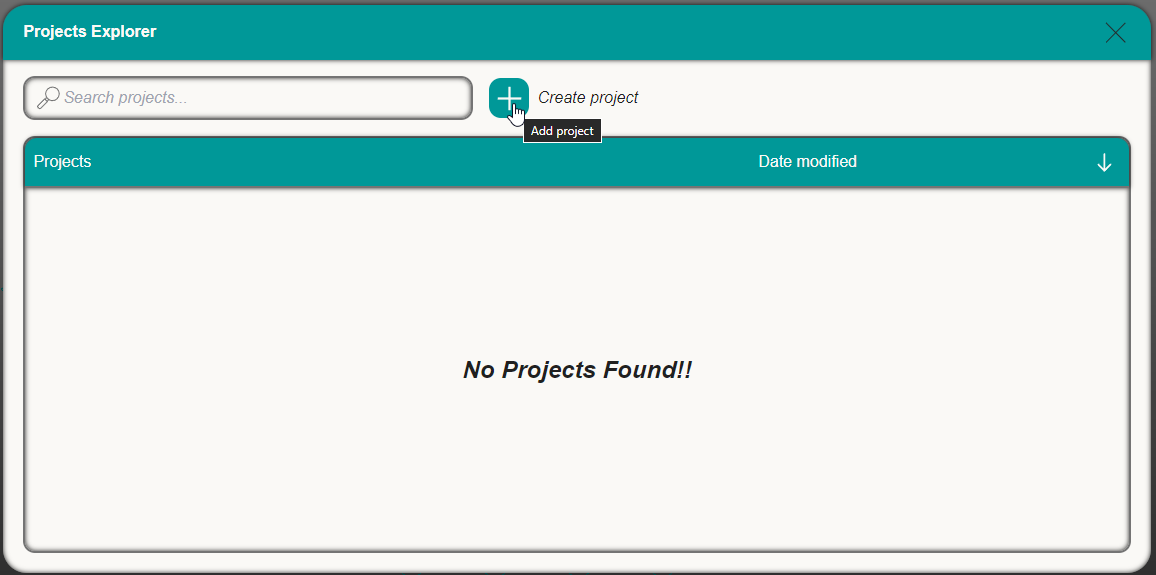
To create a new project open the project manager and select new project on the top plus Icon, the app will prompt you to select a new CAD model to insert in the project, every project requires at least one workpiece.
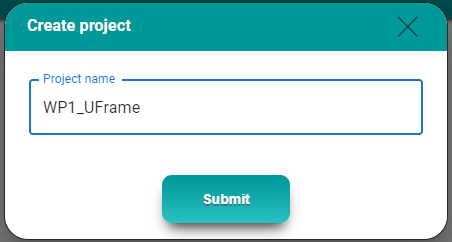
Once the workpiece is selected the project manager will allow the user to edit the project name, by default the project name is the same as the workpiece name. If a project with the given name already exists, the software will add a subfix to the project automatically to give it a unique name.
Once the name is selected the project will be created and the workpiece will be displayed on top of the work plane.
Was this page helpful?