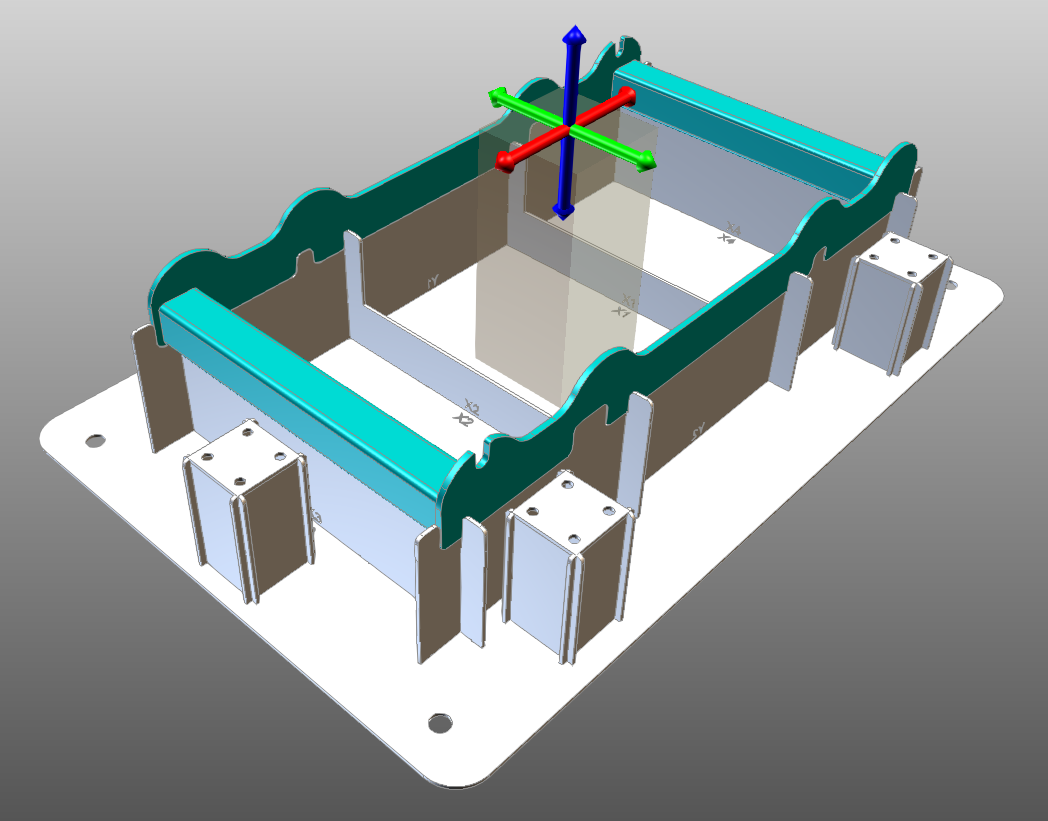
To create a new support plate select from the left ribbon the command “New clamp tower”.

When selected a preview of the tower will be displayed as visual aid for the new tower placement. Place the clamp tower in the desired position using the manipulator arrows or the translation parameter. In the parameters it is also possible to define the tower dimensions . Once the placement is selected apply the modifications and the new plate will be created and the fixture will be recomputed.
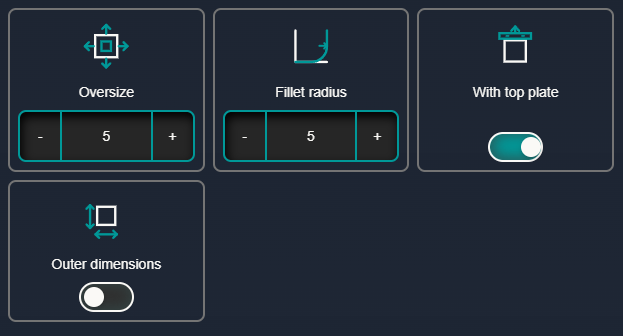
The last tab of the tower parameters can define some of the options for the tower creation.
Oversize: Defines how much the tower interlocking extended pass the crossing.
Fillet radius: Defines the rounding of the tower corners.
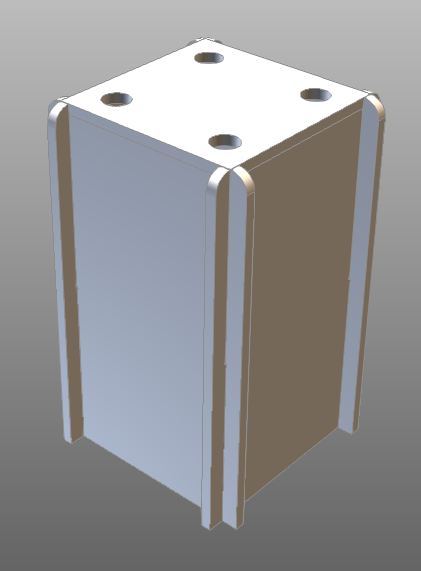
With top plate: Defines if the tower should have a top plate or not.
Outer dimensions: Defines if the tower should be measured using the inner or otter dimensions.