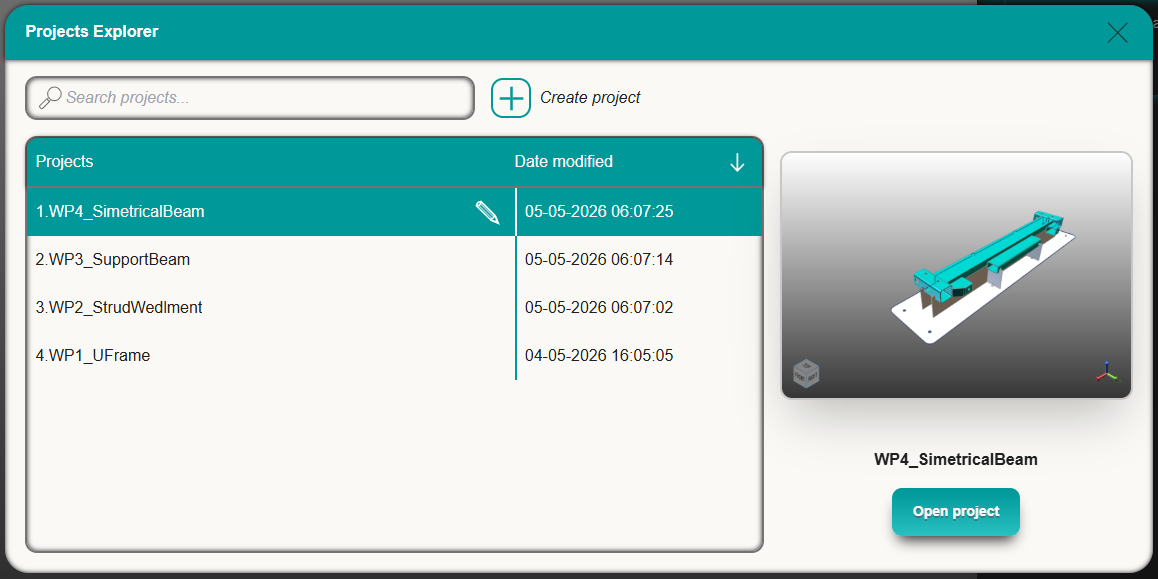
The users’ projects can be managed on the project explorer, there are commands available for the projects.
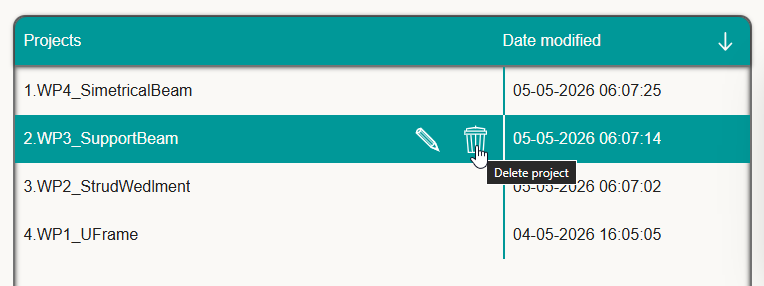
Deleting a project
To delete a project, select the desired project can choose the deleted project command, confirmation will be asked before permanently deleting the project. For safety reasons if a project is currently open it can not be deleted, to delete an open project first open a different project or refresh the browsers page.
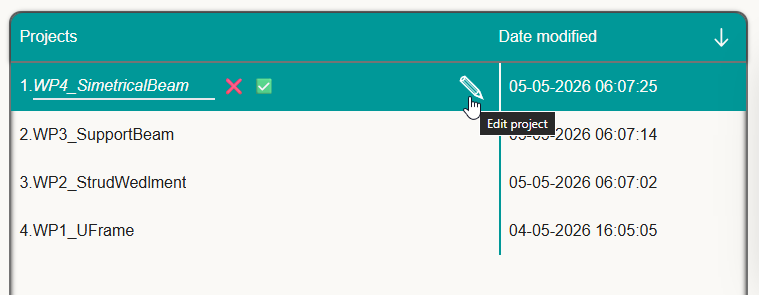
Renam****ing a project
To rename a project, select the desired project and click Edit Project, the same field will be enabled for editing. All projects should have a unique name, do not rename a project with the name of an existing project, if necessary, first rename the second project to give it a distinct name.
Getting a project preview
Project previews will be available on the side of the project explorer, to generate a preview use the screenshot command on the right side.
If no screenshot has been taken the preview image should look empty. Once the preview is available it will show alongside the project, in the project explorer.