To create a new support plate select from the left ribbon the command “New support”.

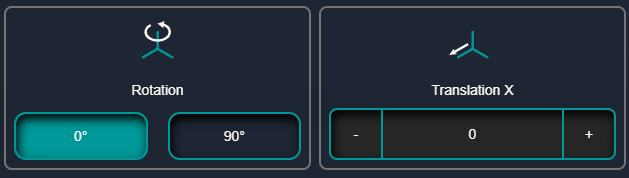
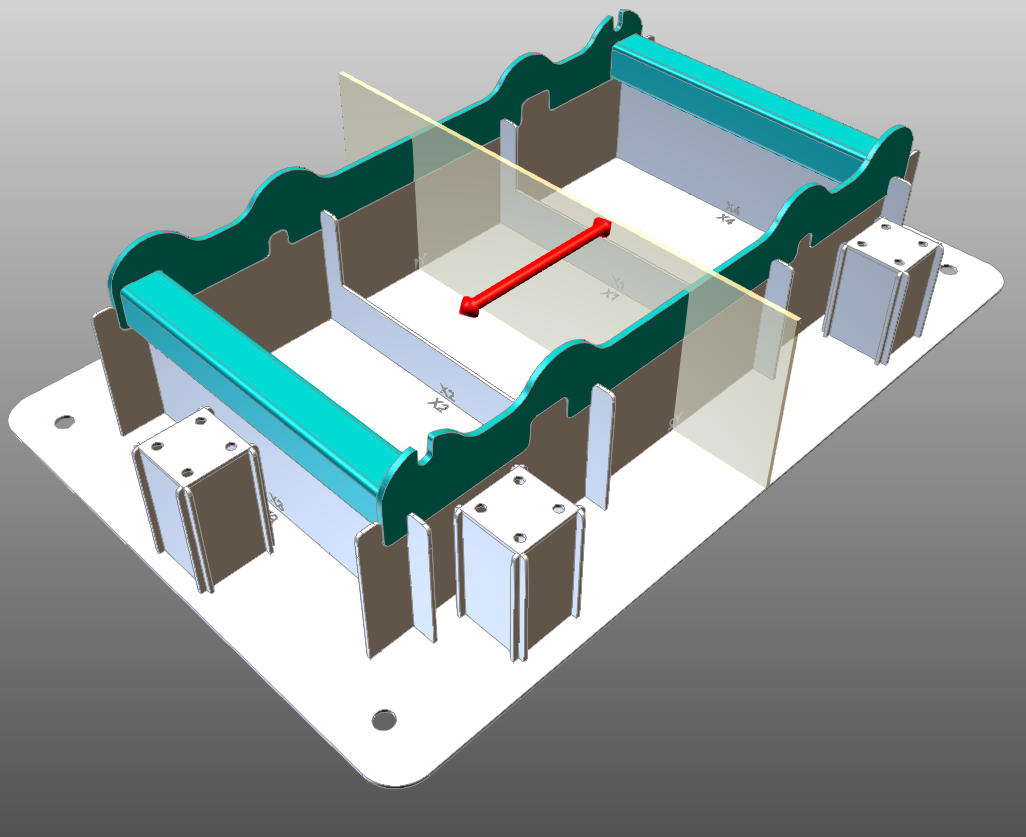
When selected a preview of the plate will be displayed as visual aid for the new plate placement. Place the plate in the desired position using the manipulator arrows or the translation parameter. The Rotation parameter changes the orientation of the new plate by 90 deg. Once the placement is selected apply the modifications and the new plate will be created and the fixture will be recomputed.
Was this page helpful?